
Tell them what you need.
Describe the job in plain language. They'll work out the steps.

Close your laptop. They will ping you when it's done.
Builders and operators at these companies use Solid.
















You bring the goal and the ground rules. They work out the steps, check the result, and report back.
Describe the job in plain language. They'll work out the steps.
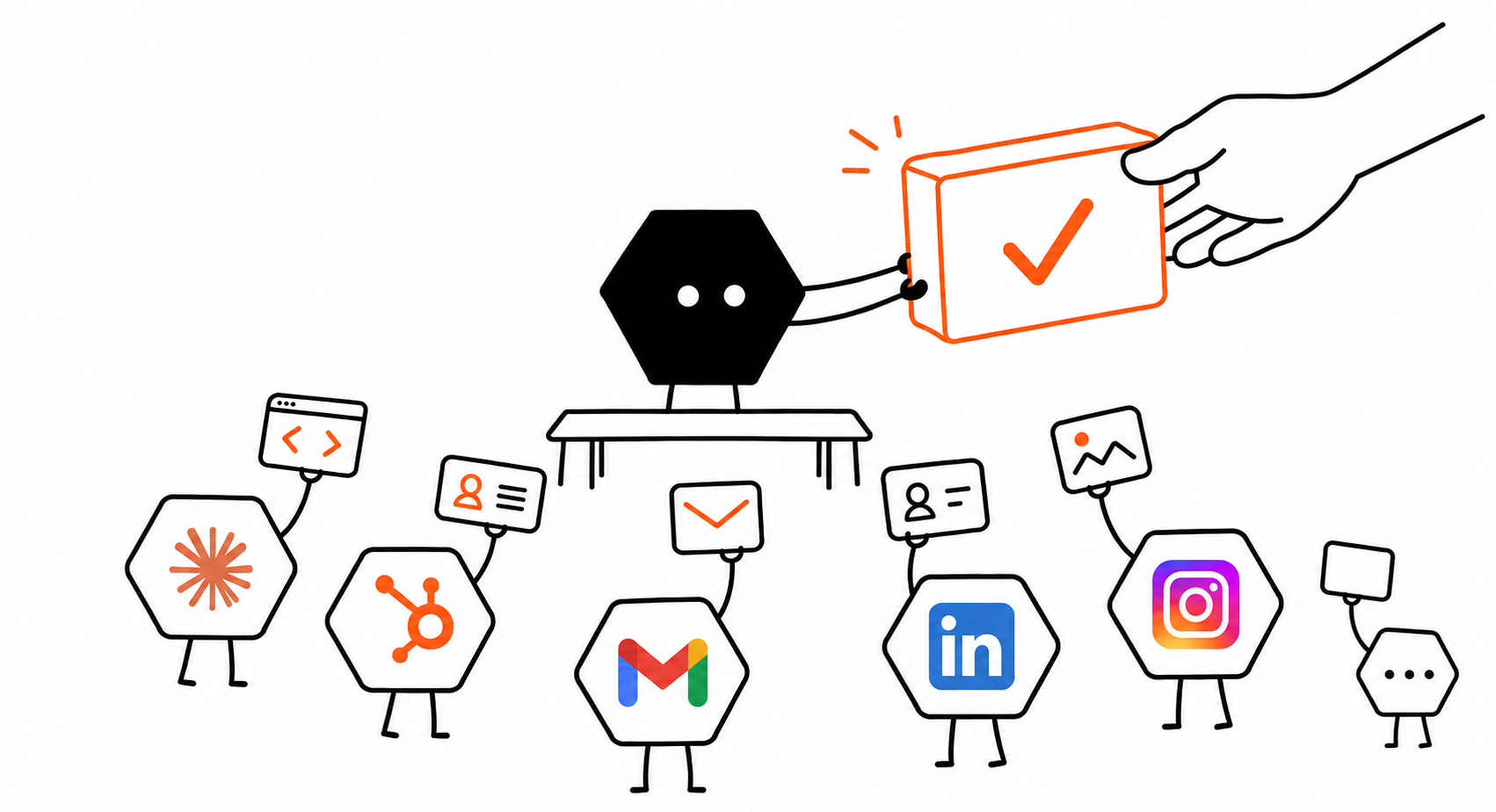
They connect to any tool the job needs, build what's missing, and check the result. No prebuilt connectors required.
They message you with the result, ready to use or share.
They work things out along the way, so you don't have to manage every step.
They choose the tools and handle the setup, even for software you've never used. If a person can use it, they can too. No prebuilt connector required.

If a tool fails or their setup breaks, they can investigate, make a repair, and check that the job runs again. When they need your help, they explain what is blocking progress.

They keep the fixes that worked and learn from your team's corrections. Those lessons change how they use tools and approach future jobs.

They create more Solid agents or bring in agents like Codex and Claude Code. They divide the work across any tools the job needs, coordinate the team, and return one checked result.
Example workflows, from the first request to the result you can review.
They turn the customer's requirements into a tested demo and return the hosted link in your conversation.
Turn these customer meeting notes into a sales demo. Use sample data, test the buyer workflow, and send me the hosted link. Ask before buying any services.
Sales demo agent
Example workflowYour plan adds credits to your balance each month. Use them for AI usage, machines, and purchases your agents make. No extra platform fee.
$20/ month
$20 in credits each month
For light usage and small tasks.
Get started$40/ month
$40 in credits each month
For getting started with a focused task, a simple app, or a small workflow.
Get started$160/ month
$180 in credits each month
Includes 12.5% bonus credits
For regular work, active app building, and more room to test and iterate.
Get started$640/ month
$800 in credits each month
Includes 25% bonus credits
For heavier workloads, larger apps, and several projects running at once.
Get startedPut Solid’s agents to work on a task of your own and see what they can do.
API
Use the Solid API to deploy always-on agents inside your product. They can keep context, work across approved systems, build missing pieces, and carry long-running jobs under the controls you set.
Schedule a demoEnterprise
Set access, budgets, policies, and approvals across your workspace. Run on Solid Cloud, in your own VPC, or on-premises. Availability depends on your setup.
Schedule a demoSolid equips AI agents with their own computers, accounts, and budgets to carry out business tasks. You provide the goal, required access, and approval rules. The agents handle setup, do the work, and check the result.
Start with one job whose result you can check, such as a sales demo, a researched lead list, or a weekly report. Describe what you want back. If you're unsure where to start, tell Solid what's taking up your time and ask what its agents could take on.
No. Start with the result you want and any useful files or instructions. Solid's agents work out which tools they need and can handle setup, connections, and code. You provide any required access and choose the approval rules.
Yes. Solid's agents can use any tool a person can use, with the access you approve. They can connect through an API, build a missing integration, or operate the website, desktop software, or phone app directly. You don't need to find your app on a connector list or know how to use it yourself. Describe the job, and they'll figure out the tools and setup it needs.
Mini costs $20/month and includes $20 in credits. Basic costs $40/month and includes $40 in credits. Pro costs $160/month and includes $180 in credits. Max costs $640/month and includes $800 in credits. Credits are added each month. AI usage, machines, and approved purchases your agents make all draw from the same balance. You set the budgets and approval rules. Your agent is a meta-agent: it can see and manage its own workspace within the access you give it. Ask what’s running, why it’s needed, or how much a job cost, any time. It can break down the AI, machines, and purchases used for the job.
You choose what Solid's agents can access and which actions need your approval. For example, let them research and draft while requiring approval before sending a message, buying a service, or deploying a change. They work within the boundaries you set.
No. Solid's agents can keep going after you close your laptop. They check the result and message you when it's ready, or ask when they need a decision. You can also check progress and review their work along the way.
Solid's agents check their work and can revise it from your feedback. When a tool or setup fails, they can investigate, make a repair, and check that the job runs again. If they remain blocked, they explain what needs your help. You can also talk to a real person on the Solid team.
No. Solid's agents remember your team's instructions and feedback across jobs. When you correct how something is done, they keep that lesson and apply it the next time it's relevant. They use the shared context approved for that work.

