Solid vs Genspark
Solid vs Genspark: Work and Troubleshooting
Solid's agents can inspect failures and request costs, change tools or machines, and verify repairs as part of completing your job.
Get Started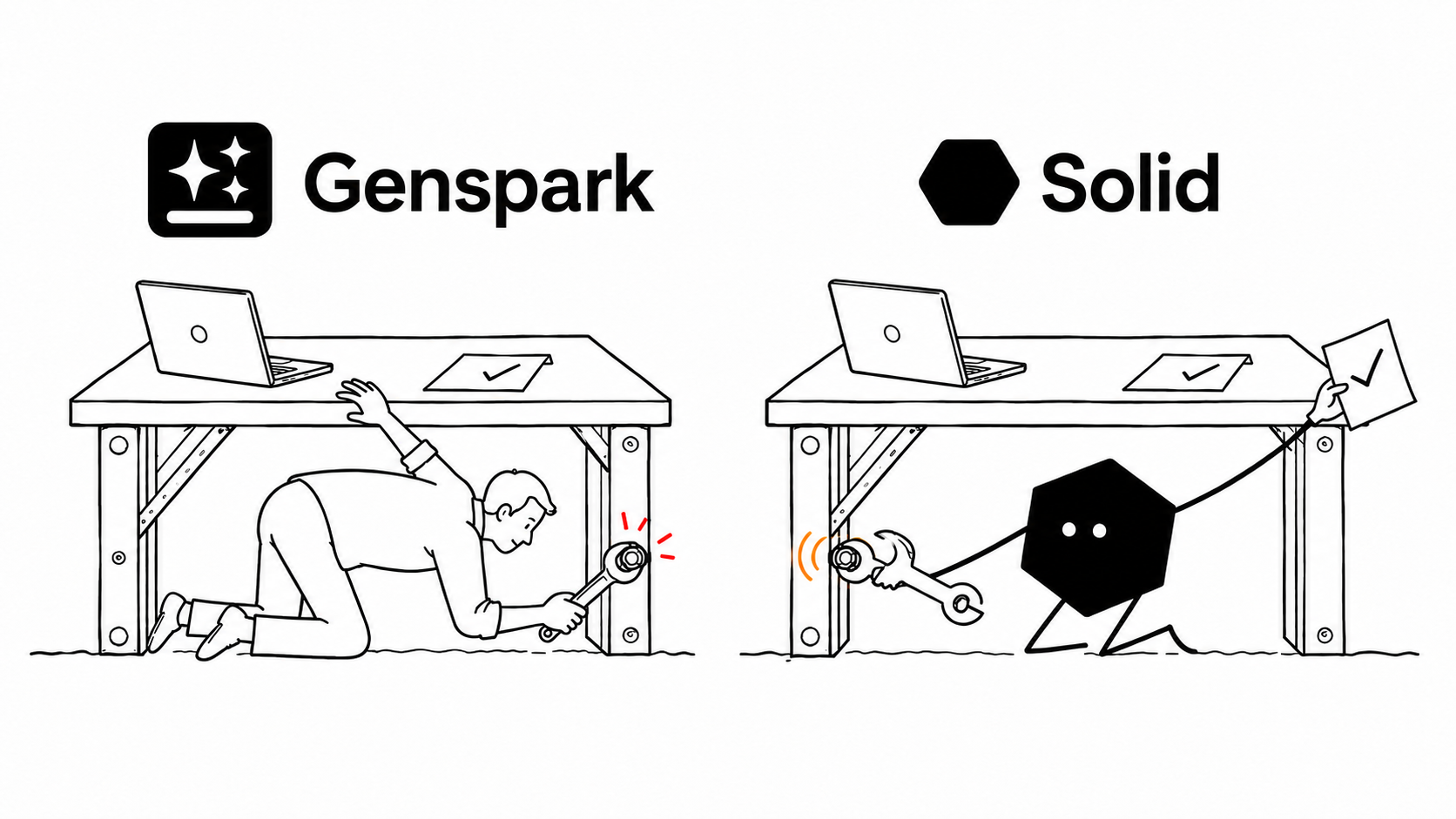
How is Solid different from Genspark?
AI workspace for creating and automating
Genspark
Genspark is an AI workspace for research, documents, presentations, code, and automation. Claw adds cloud or local computer use and sub-agents; GenTeam brings people and agents into shared channels. It suits teams that want those tools and configure the operating setup themselves.123
Agents that manage their own environment
Solid
Solid gives businesses agents for engineering, operations, and sales. Its meta-agents can choose tools and machines, inspect request costs, and manage their working environment. They can repair problems, learn from results and your team, and create or coordinate other agents within your rules.8
Choose Solid when you want agents to handle the job, equip themselves, recover from problems, and bring in help when needed.
Why choose Solid for business agents?
Solid's meta-agents are self-sufficient, self-healing, self-improving, and self-scaling. They can take responsibility for the working setup as well as the task.
Get the tools and accounts the job needs
Agents can choose computers or phones, use distinct Google and Apple accounts, and obtain approved tools and services. They can see request costs and work within your budgets.
Repair the setup when work breaks
Agents can inspect errors and workspace state, change tools or repair their environment, then run checks to verify recovery. They can ask for help when the job needs more authority.
Carry successful fixes into future jobs
Agents retain useful lessons from completed work, verified repairs, and feedback from your whole team. They apply those lessons to their tools and approach on later jobs.
Bring in more agents and manage their work
Agents can bring in external agents, coordinate workspace agents, or create more instances of themselves as subagents. They divide and check the work within your resource and approval rules.
Solid vs Genspark feature comparison
Genspark already supports sub-agents, persistent memory, diagnostics, and automated model selection for scheduled work. Compare who chooses, operates, and improves the environment around those agents.
| Capabilities |  | Genspark |
|---|---|---|
| Choosing the agent’s machine | Agents can choose the machine they run on and manage its setup within your approved resources.8 | You choose a Claw cloud tier or local machine, or select a runtime when creating a GenTeam agent.23 |
| Environment and cost visibility | Agents inspect their machine, workspace state, and per-request costs to decide how to proceed.8 | You inspect Claw computer details and the credit-usage log, which can take hours to update.24 |
| Paying for needed resources | Agents can buy approved services from your funded balance within budgets and approval rules.8 | For cloud Claw, you fund a computer subscription and AI credits alongside your connected services.2 |
| Agent accounts | Agents can have distinct approved Google and Apple accounts, email, and other credentials.8 | In GenTeam, you connect the creator's services and choose which ones the agent may use.3 |
| Team approval rules | Your workspace policies can block actions or route sensitive decisions to the right person.8 | You work within GenTeam's creator-only external actions or scope broader governance through Enterprise.35 |
| Live workflow checks | Agents plan and run approved checks across real systems, then report results and exceptions.89 | After Workflows' simulated Test Run, you enable live actions and review what happens in real systems.6 |
| Failed recurring jobs | Agents can repair their setup, verify recovery, and retain improvements for future jobs.89 | In Claw, you start Diagnose or Last Run Failed to run checks, automatic fixes, or recovery guidance.2 |
| From team preview to live app | Solid hosts apps by default and supports your domain or another approved deployment.108 | For permanent hosting, you use Code or Claw's hosting path because GenTeam web previews are temporary.372 |
| Best fit | Choose Solid for agents that manage the business workflow and the resources and agents it needs.89 | Choose Genspark for its creation suite and agent workflows you want to configure and supervise.16 |

Bring Solid your Genspark source and the access needed to continue it. Solid can review the project and carry the next build.
Continue from Genspark with SolidSolid agents in engineering, operations, and sales
See how agents manage their setup, recover from failures, and divide a job among agents. The SaaS, procurement, and recruiting examples describe work Solid has completed for customers.
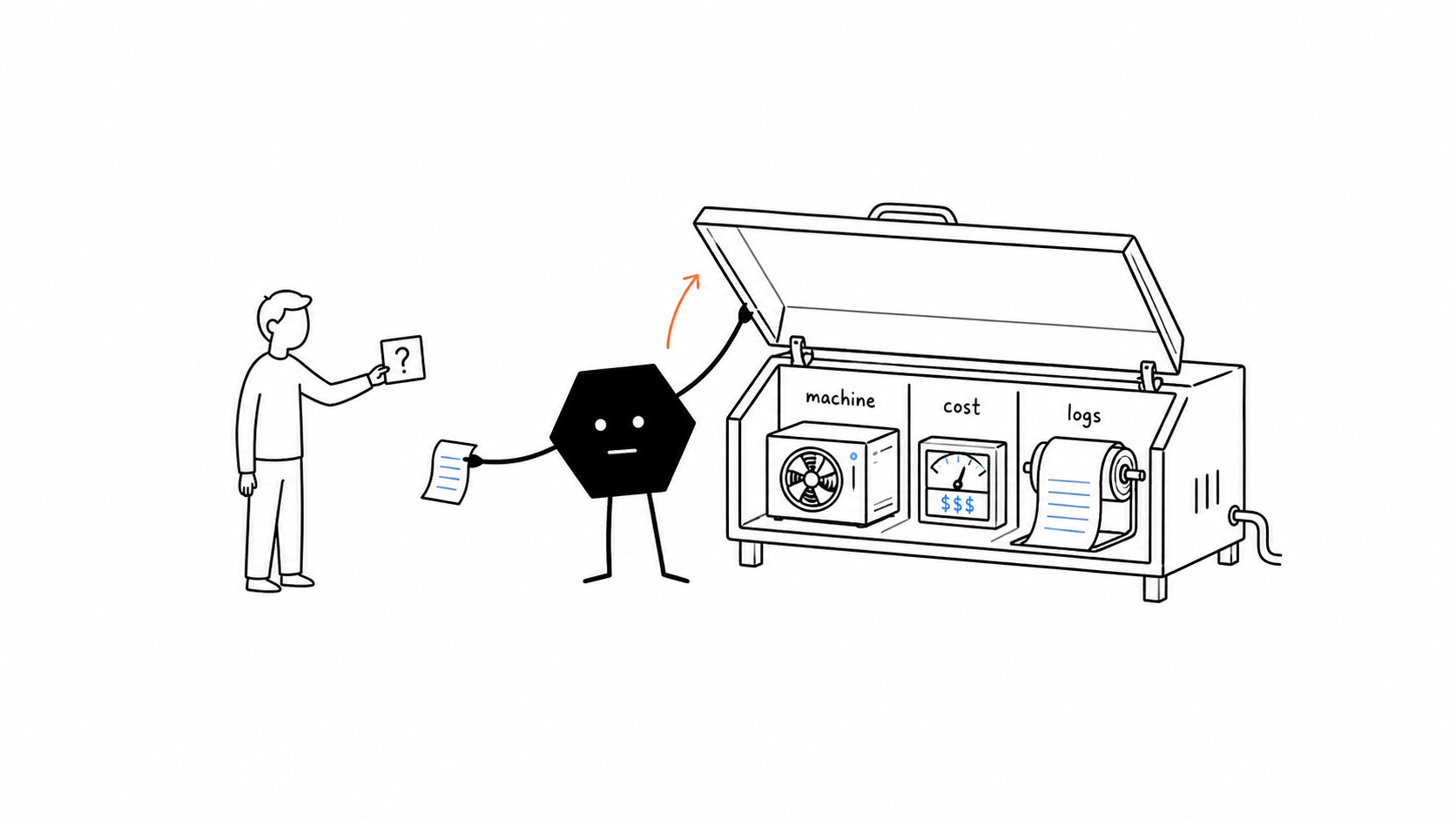
Choose the machine and tools for the job
An agent can inspect everything in its approved workspace, see the machine it runs on and the cost of each request, and decide what the job needs. It can change tools, adjust its environment, or choose another approved machine within your budgets and rules.
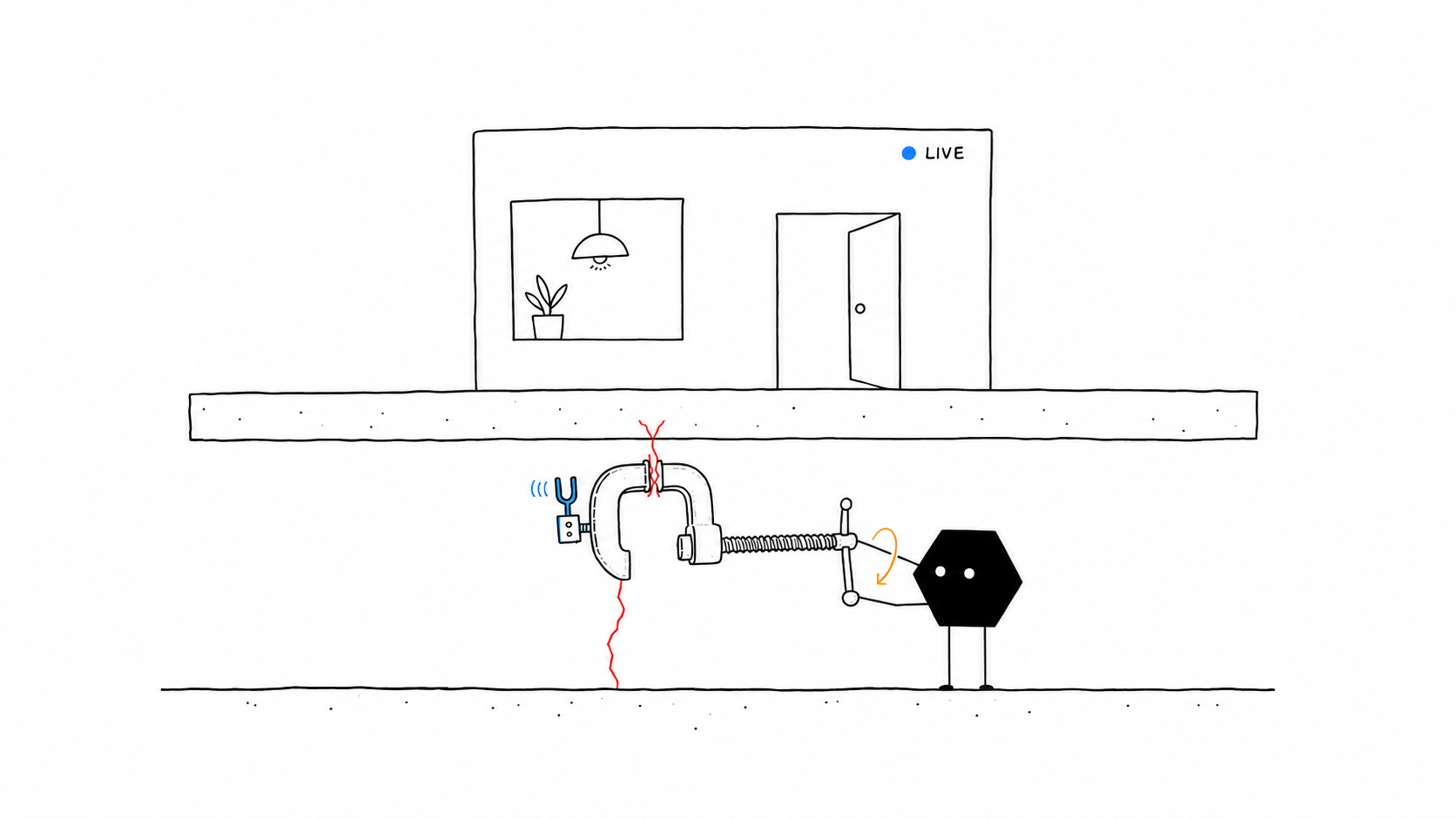
Repair failures and improve the next run
When a job fails, an agent can inspect the error, repair its setup or choose another tool, and rerun the relevant work to check recovery. It can retain what worked for later jobs or ask for help if it remains blocked.
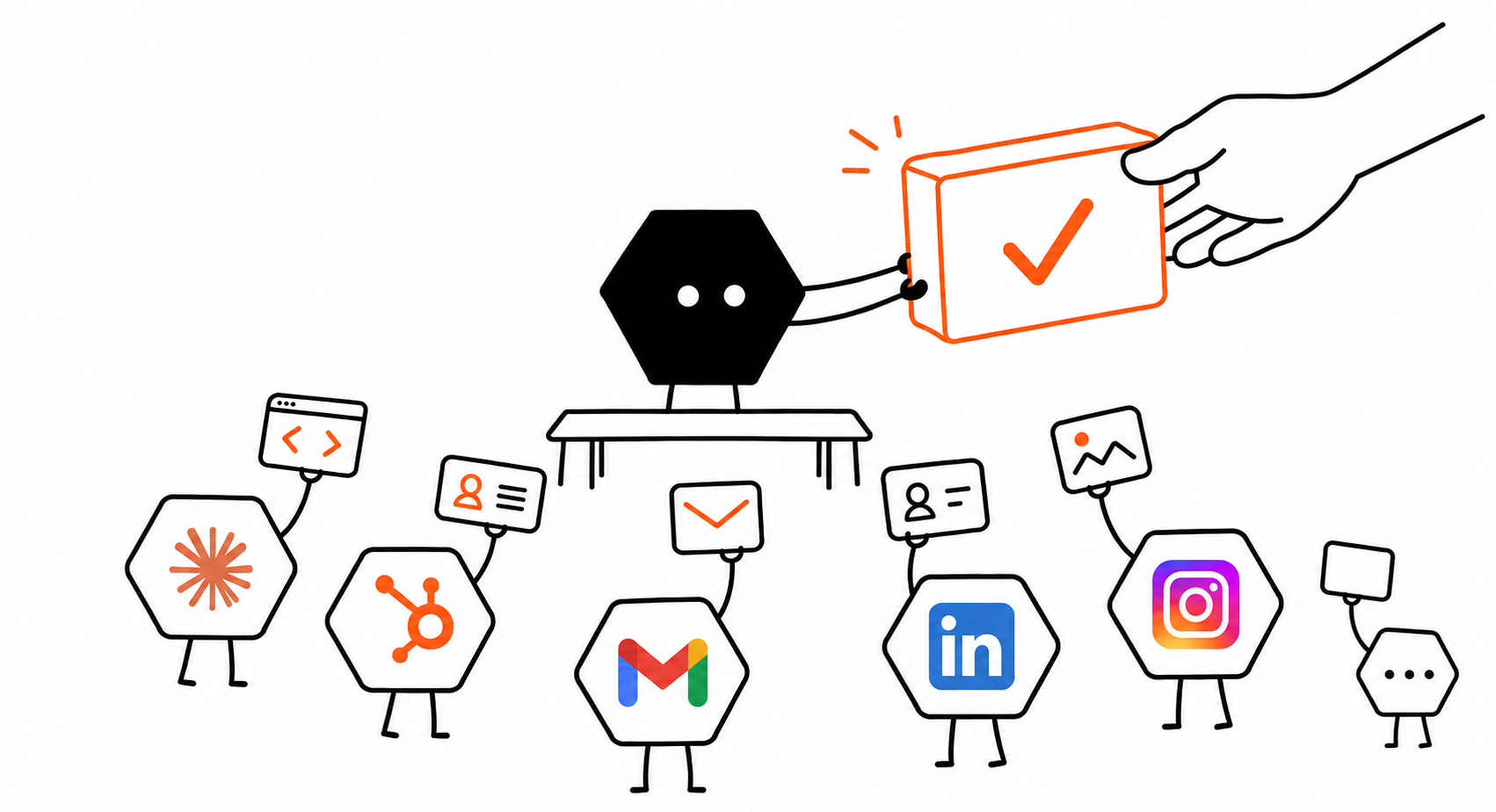
Bring in more agents to finish the job
For a product launch, an agent could split app development, customer research, and launch copy across agents, then check their work together. It can use external agents, other workspace agents, or new instances of itself within your rules.
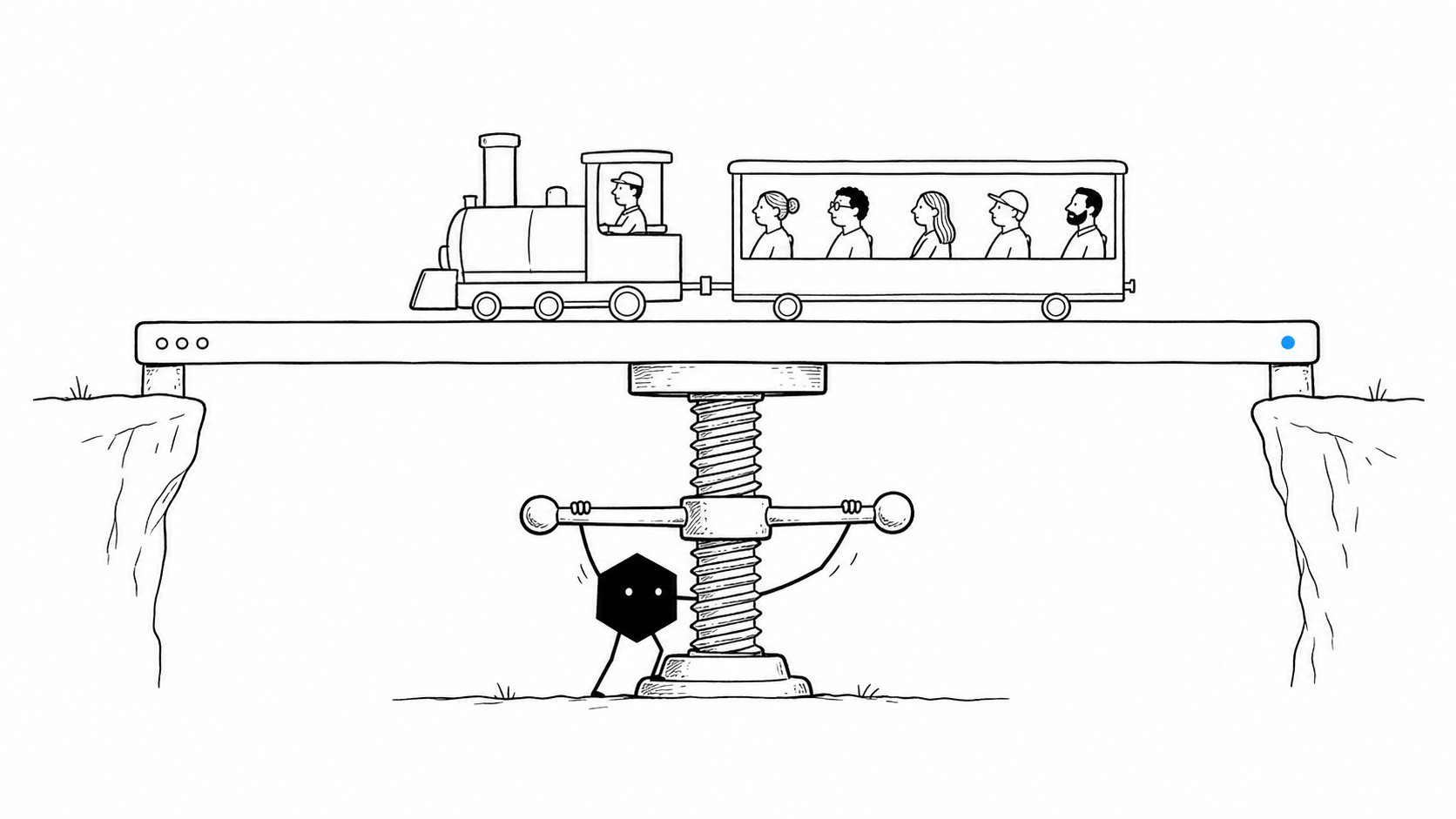
Build and deploy public-facing SaaS platforms
Solid's agents have built and deployed SaaS platforms for businesses in real estate, fintech, supply chain, and dozens of other verticals.
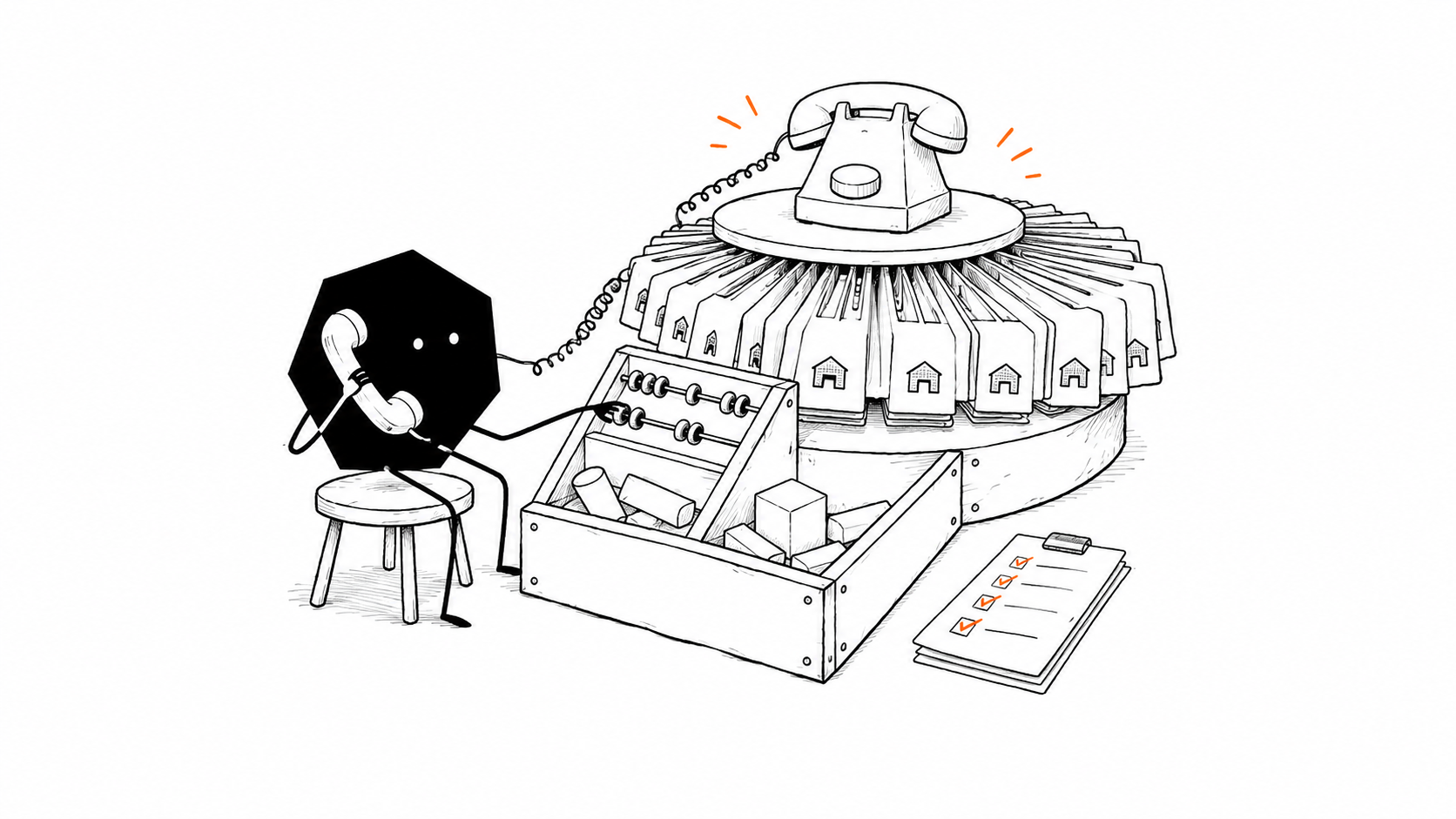
Automate procurement across hundreds of suppliers
Solid's agents have automated raw-material procurement by calling hundreds of suppliers and maintaining a live inventory dashboard.
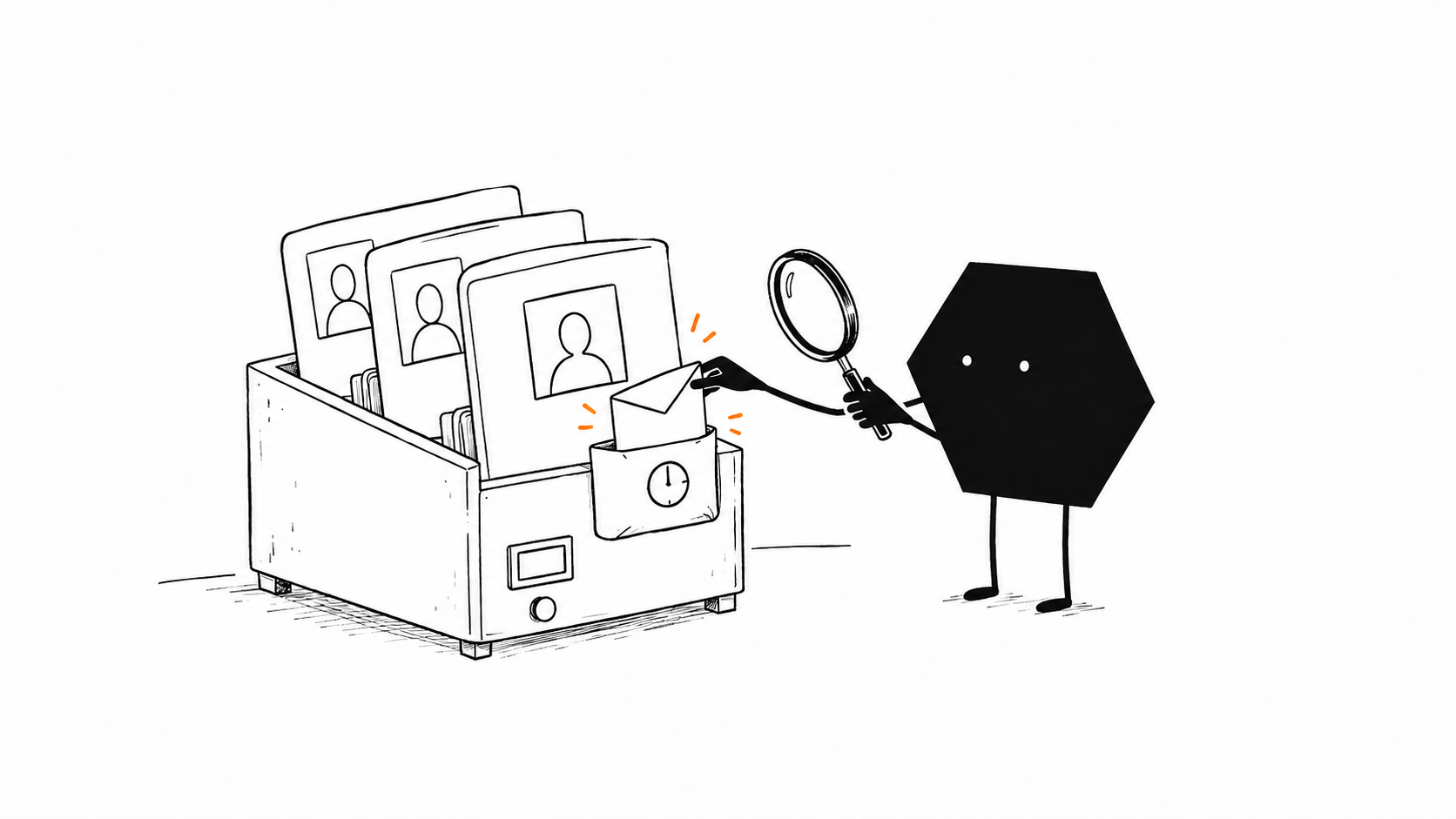
Run a LinkedIn recruiting pipeline
Solid's agents have operated a LinkedIn recruiting pipeline covering candidate search, outreach, and follow-ups.
Should you choose Solid or Genspark?
Choose Genspark for its AI creation workspace and configurable agents. Choose Solid when you want agents to run a business process, manage its setup, and coordinate the help it needs.
Use Genspark when
Choose Genspark for its AI workspace and editors
Genspark is the better fit for an analyst or marketer who wants research, presentations, documents, and media in one workspace, with tools to automate the next steps.163
- You value research, presentations, documents, and media creation in one workspace.
- You want to choose and configure Claw, GenTeam, or Workflows for your tasks.
- Managing computer plans, connected services, and background credit usage fits how you work.
Use Solid when
Choose Solid to delegate the business process and its setup
Solid is the better fit for an operations owner who wants agents to choose machines, inspect costs, coordinate agents, and keep work moving across business systems.89
- You need agents equipped with their own approved computers, phones, and accounts.
- You want an agent to bring in other agents, divide the job, and check their combined work.
- You want agents to diagnose failures, test repairs, and carry improvements into the next run.
Bring Solid your Genspark source and the access needed to continue it. Solid can review the project and carry the next build.
Continue from Genspark with SolidQuestions about Solid as a Genspark alternative
Is Solid a Genspark alternative for business agents?
Solid is a strong Genspark alternative for teams delegating engineering, operations, sales, and ongoing work across business systems. Its agents can manage the machines, accounts, paid resources, and other agents needed to complete the assignment. Genspark also supports agents and automation; choose Solid when you want environment and resource decisions included in the agent's job.
What makes a Solid agent a meta-agent?
A Solid agent is a meta-agent because it can inspect and control its own working environment. It can see everything in its approved workspace, identify the machine it runs on, and inspect the cost of each request. It uses that context to choose tools, change its setup, and create or coordinate other agents. This supports a built-in loop of diagnosing problems, adapting, verifying results, and retaining useful lessons. Your access, budgets, and approval rules govern those choices.
Can Solid operate Windows, macOS, Linux, iPhones, and Android phones?
Solid's agents can operate their own Windows and macOS computers, Linux servers, iPhones, and Android phones. They can choose machines for the approved workflow and use software through APIs, code, or its normal interface. Device access, available resources, and service policies determine the setup.
Can Solid agents have their own Google and Apple accounts?
Solid's agents can use distinct, customer-approved Google and Apple accounts, with email addresses, phone numbers, and other credentials assigned to individual agents. They can log into platforms and communicate through Slack, iMessage, email, WhatsApp, and other channels your team uses. Agents use APIs, code, or software interfaces with the access each service allows.
Can Solid coordinate Claude Code, Codex, OpenClaw, and Hermes?
Solid agents can orchestrate external agents and harnesses such as Claude Code, Codex, OpenClaw, and Hermes, work with other agents in the workspace, and create additional instances of themselves as subagents. Self-scaling means the agent can decide when to add help, divide the assignment, and check the combined result. Available access, resources, budgets, and approvals govern that work.
How does Solid help control machine and agent costs?
Solid's agents can see the cost of each request and inspect machine and resource costs as they work. They use that information to choose tools and machines within your budgets and approval rules. Your monthly subscription funds one balance in full, which pays for AI usage, machines, and approved purchases. You can ask your agent for spending details at any time.
Can Solid's agents self-heal and self-improve?
Solid's agents have a built-in self-healing and self-improvement loop. They can notice a problem, inspect errors and workspace state, decide what to change, repair their tools or environment, and rerun the work to verify recovery. They retain useful lessons and successful approaches alongside instructions, corrections, and feedback from your whole team. Those lessons improve their working methods on later jobs. Agents can ask for help if they remain blocked or need more authority, and your access, spending, and approval rules still apply.
Can Solid continue a Genspark project and help when AI gets stuck?
Solid can review your Genspark source and continue the build with the approved access it needs. Agents can test, investigate failures, repair supported problems, and verify recovery. The handoff needs source, data, and deployment access beyond a project URL. You retain control of app source and can export a ZIP, connect GitHub, or deploy elsewhere. When Solid's AI gets stuck, you can talk to a real person.