Solid vs Grok Bot
Solid vs Grok Bot: Business Automation
Solid agents can change tools and machines, fix their setup, and verify recovery within your rules. What they learn carries into the next job.
Get Started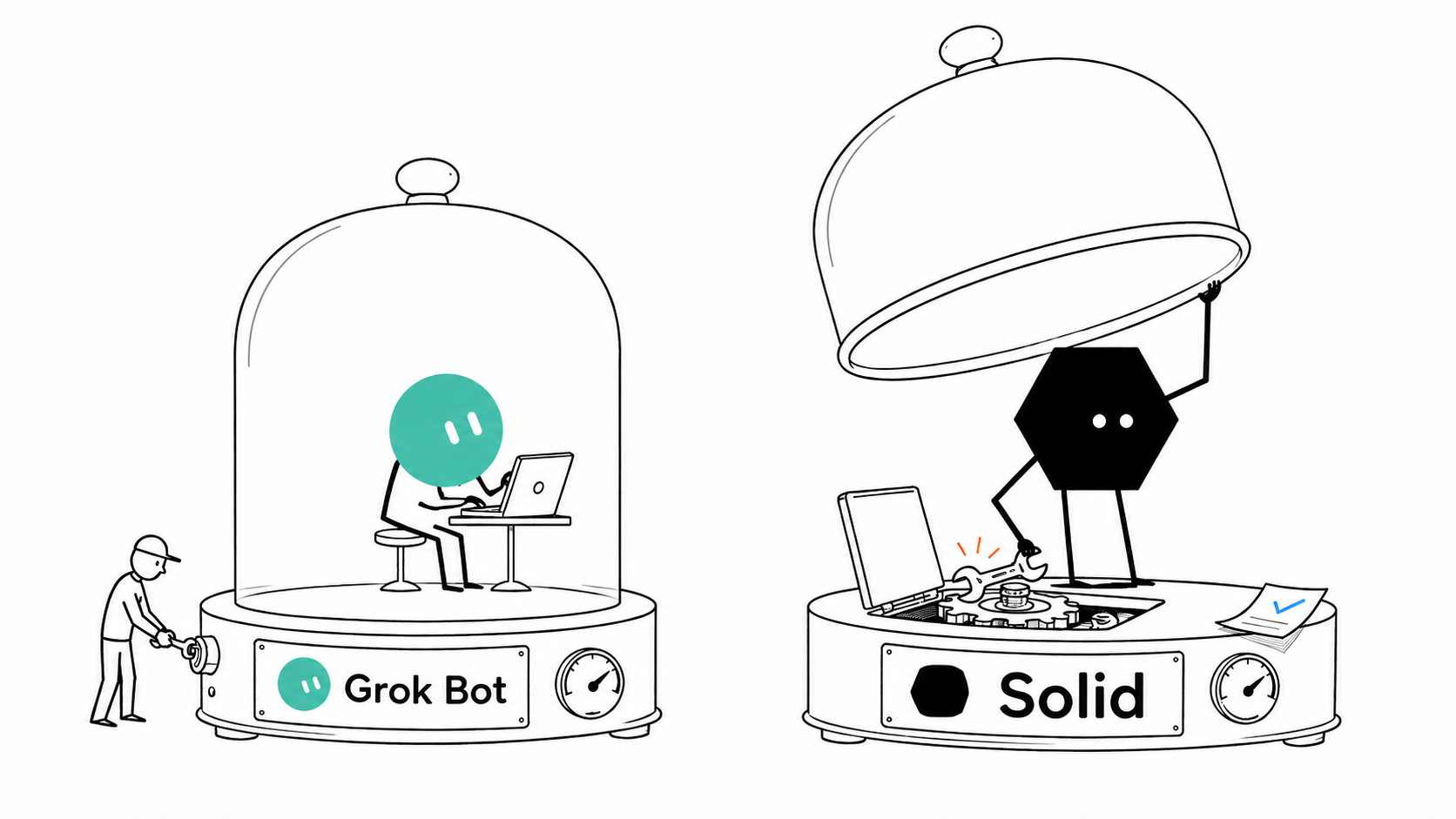
What is the difference between Solid and Grok Bot?
AI teammates on a shared cloud computer
Grok Bot
Grok Bot (also called Grokbot) is an AI agent app for research, inbox work, and recurring tasks. Its Bots remember instructions, coordinate with one another, and can delegate coding to Cloud Agents. All Bots on your account share one Cursor-hosted computer and its logins.127
Agents with their own computers, accounts, and budgets
Solid
Solid is the operating system for agents across engineering, operations, and sales. These meta-agents can inspect their approved workspace, see the cost of each request, choose tools and machines, and orchestrate other agents. They can repair their own setup, verify recovery, and carry useful lessons into future jobs. Your whole team can teach and share them.3
Choose Solid when sharing one computer and its logins across your Bots no longer fits the jobs your team needs to delegate.
Why choose Solid over Grok Bot for business automation?
When one computer shared by every Bot is too limiting, Solid agents can choose their own approved resources and repair the setup behind the job.
Give agents their own machines and accounts
Solid agents can choose computers and phones for the job, with distinct approved identities, including their own Google and Apple accounts.
Control what agents can spend
Solid agents can see the cost of each request and choose machines, tools, and services within the budgets and approval rules you set.
Let agents diagnose and repair their setup
When a job gets stuck, Solid agents can inspect the problem, change their tools or environment, and rerun the work to verify recovery.
Carry fixes and team knowledge into future jobs
Solid agents retain lessons from results, verified repairs, and your whole team's feedback, then apply them to later workflows and tool choices.
Solid vs Grok Bot feature comparison
Compare Solid's separate agent resources with Grok Bot's shared computer, including account access, costs, team knowledge, recovery, and deployment.
| Capabilities |  | Grok Bot |
|---|---|---|
| Agent environment | Agents inspect their workspace, choose machines, and manage setup within your approved resources.3 | Your Bots share a Cursor-hosted computer, with no support for a custom machine image.29 |
| Cost visibility and resource choice | Agents see the cost of each request and choose approved resources within your budget.3 | You track product spend in the dashboard; Enterprise admins manage the hosted computers.9 |
| Separate accounts for agents | Solid can provision distinct approved accounts and credentials for individual agents.3 | Your Bots act as you, with team or service-account credentials available through team-managed connectors.4 |
| Shared agents and team knowledge | Agents learn from the whole team, which can share agents, apps, and approved context in one workspace.3 | Sharing gives your colleague a Bot configuration copy, without your computer, logins, or chat history.5 |
| Budgets for paid tools and services | Agents can buy approved resources from your funded balance within your budgets and approval rules.3 | You take over the computer for payment confirmations and other sensitive steps in a purchase.6 |
| Windows, macOS, Linux, and phones | Agents operate Windows and macOS computers, Linux servers, iPhones, and Android phones.3 | Beyond the hosted computer, you grant separate permission for commands on your own device.2 |
| Access to private business systems | Agents can build and manage connections inside the environment approved for your workflow.311 | On Enterprise, your team installs and operates its networking client through Team Setup.8 |
| VPC and on-premises deployment | Solid Cloud, a customer VPC, or on-premises deployment can be scoped for your team and workflow.3 | You use Cursor-hosted computers; Grok Bot does not support deployment inside your own perimeter.9 |
| Recovery when an agent gets stuck | Agents can repair their setup and verify recovery, with human help available when needed.312 | You can inspect or redirect a Bot, recover its computer, and contact support with error details.10 |

Bring Solid your Grok Bot source and the access needed to continue it. Solid can review the project and carry the next build.
Continue from Grok Bot with SolidHow does Solid keep business automation running?
Solid agents can manage their environment, recover from problems, and apply what they learn. Customers have used them to build SaaS products, procure materials, and operate recruiting pipelines. Images are illustrations.
Choose the machines, tools, and agents for each job
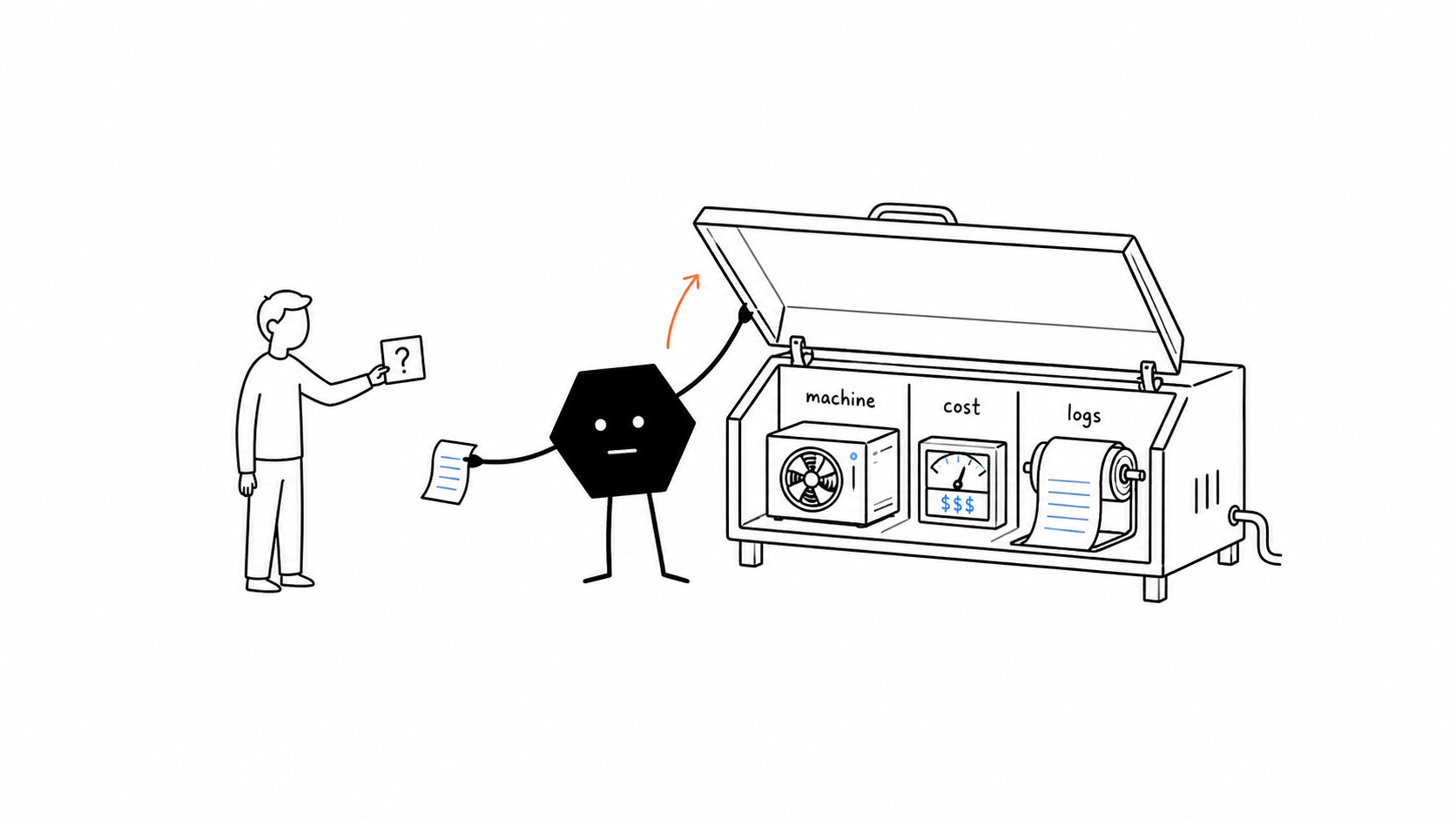
Solid agents can inspect everything in their approved workspace, identify the machine they run on, and see the cost of each request. They can choose a different tool or machine, coordinate other agents, or create subagents within your access and budget rules.
Self-healing agents that repair their own setup
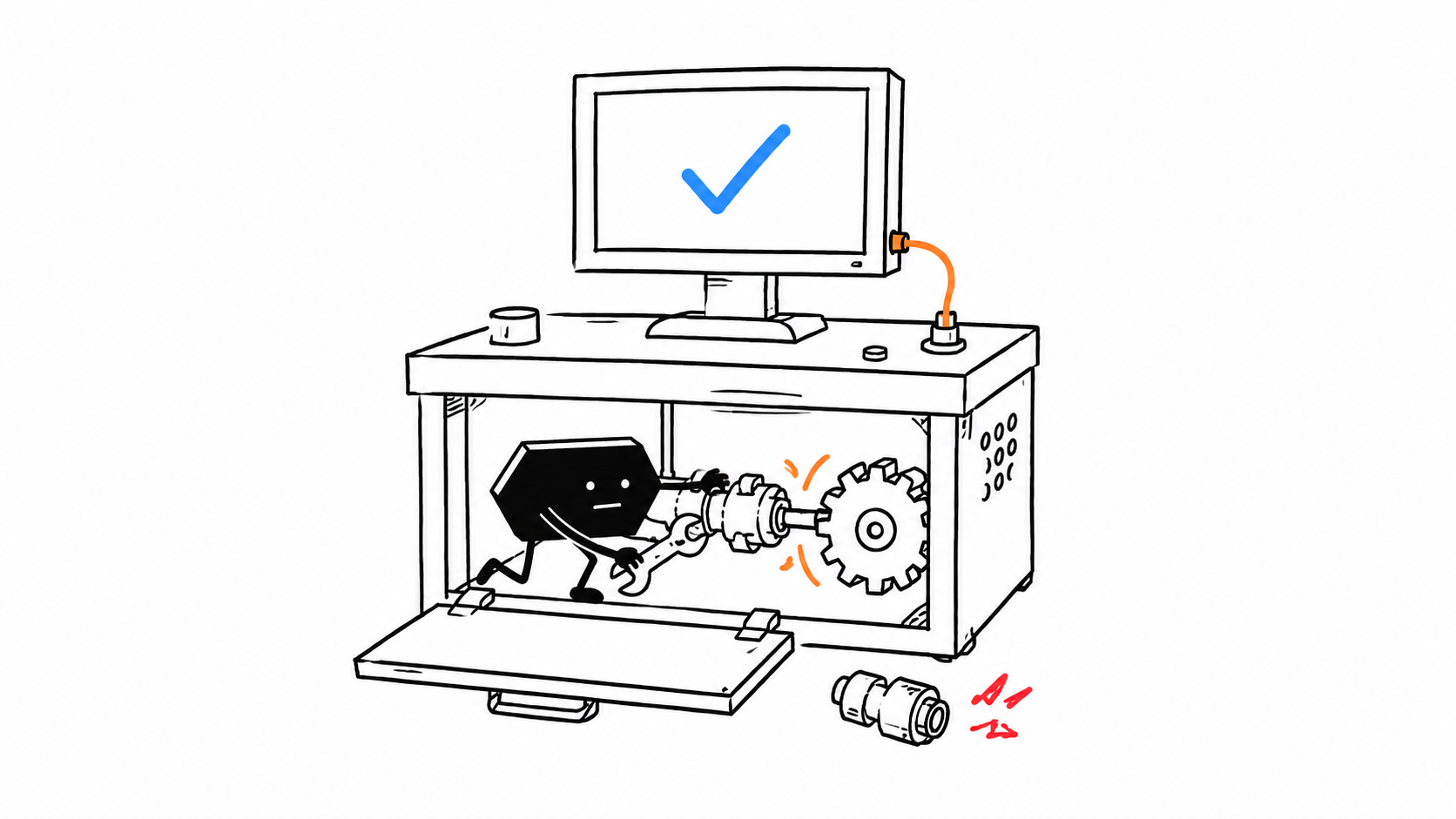
When a job gets stuck, a Solid agent can diagnose the problem, change its tools or environment, and rerun the affected work to check the fix. The agent can start this recovery loop itself, within your rules. Human help is available when it cannot resolve the blocker.
Agents that learn from completed work and repairs
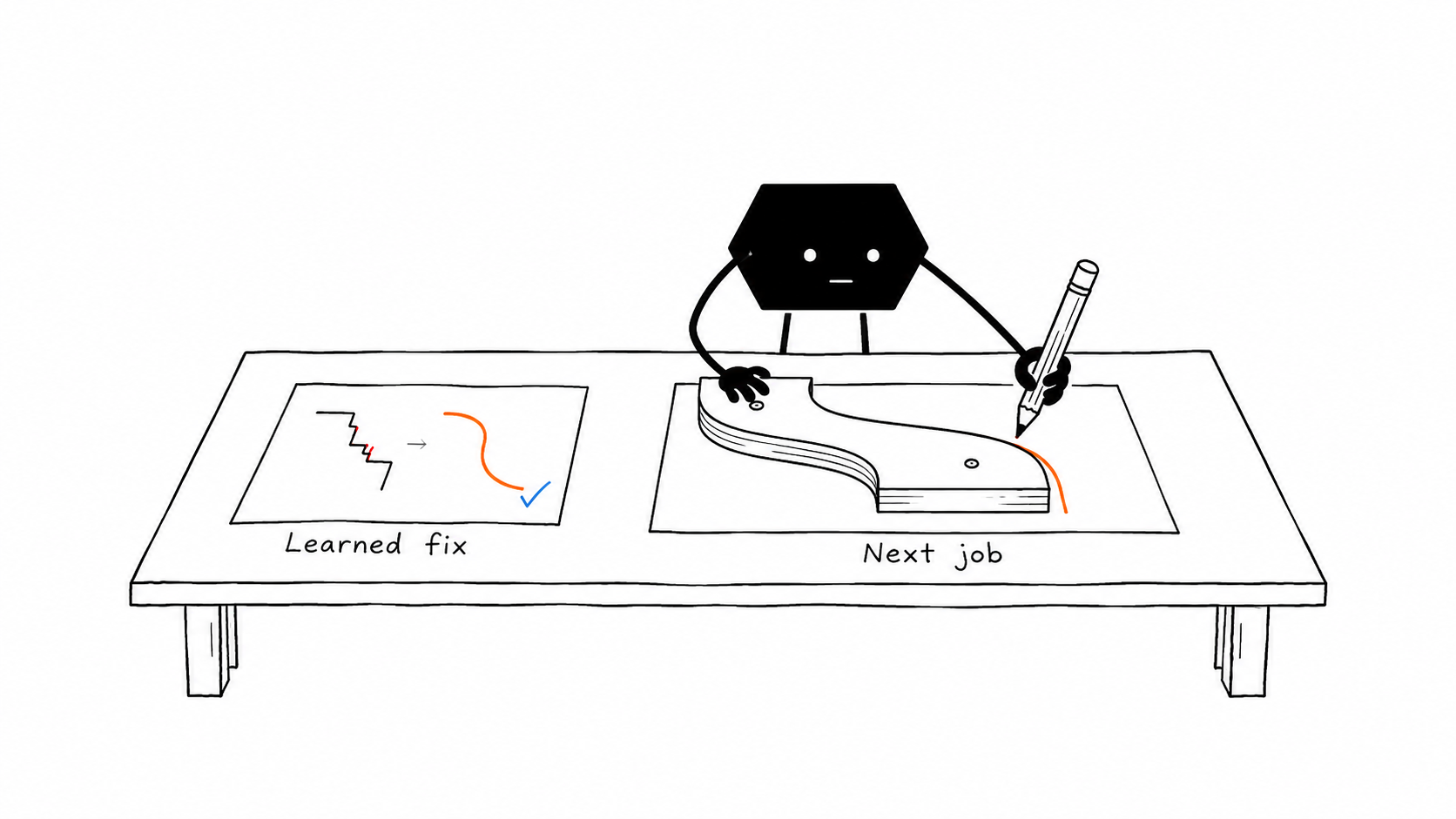
Solid's self-improving agents retain useful lessons from job results, verified repairs, and feedback from your whole team. They apply that knowledge to later tool choices, setup, and workflows, so a successful fix can inform the next job.
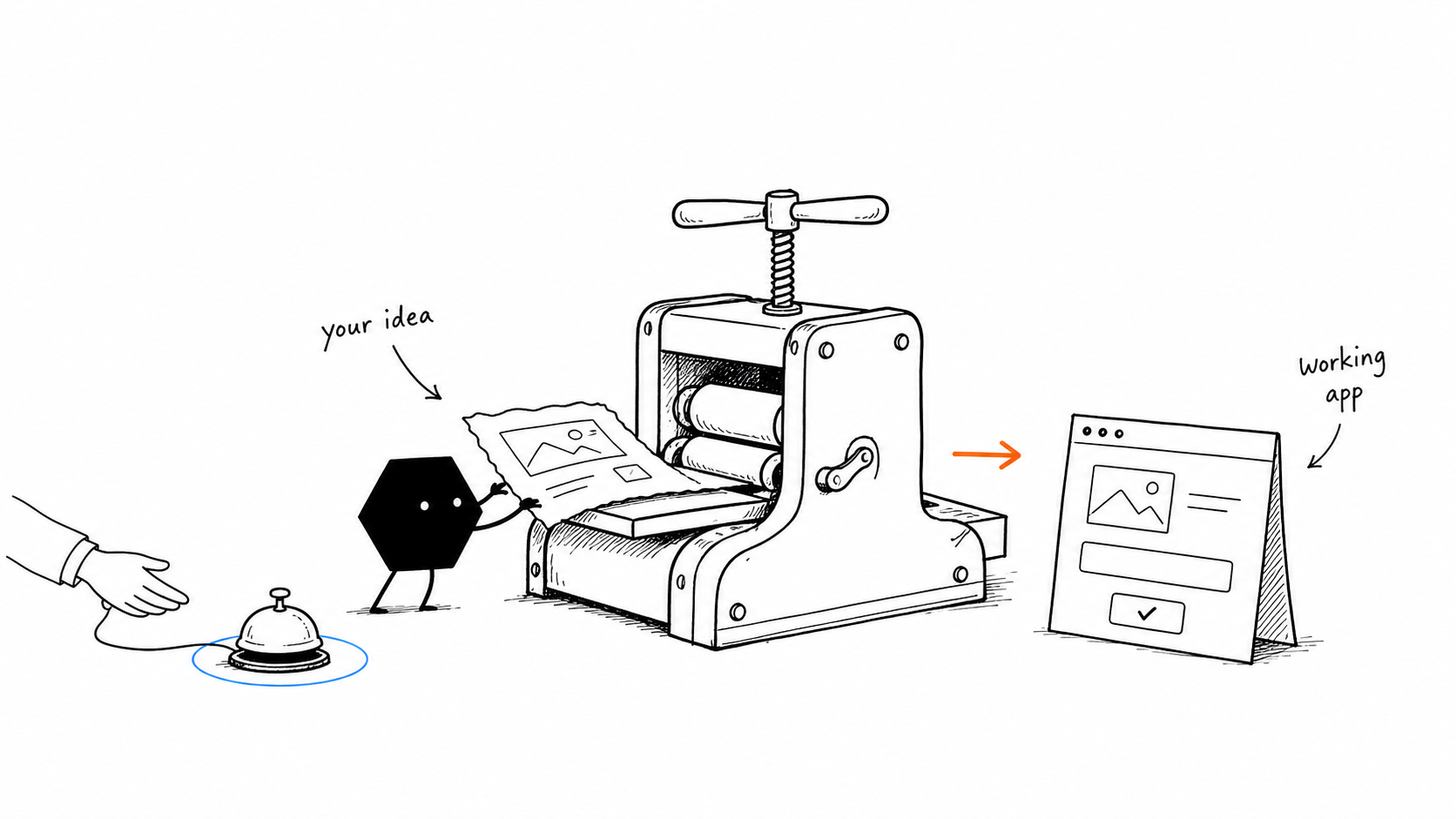
Build and deploy SaaS applications
Solid has built and deployed public-facing SaaS platforms for businesses across real estate, fintech, supply chain, and dozens of other verticals.
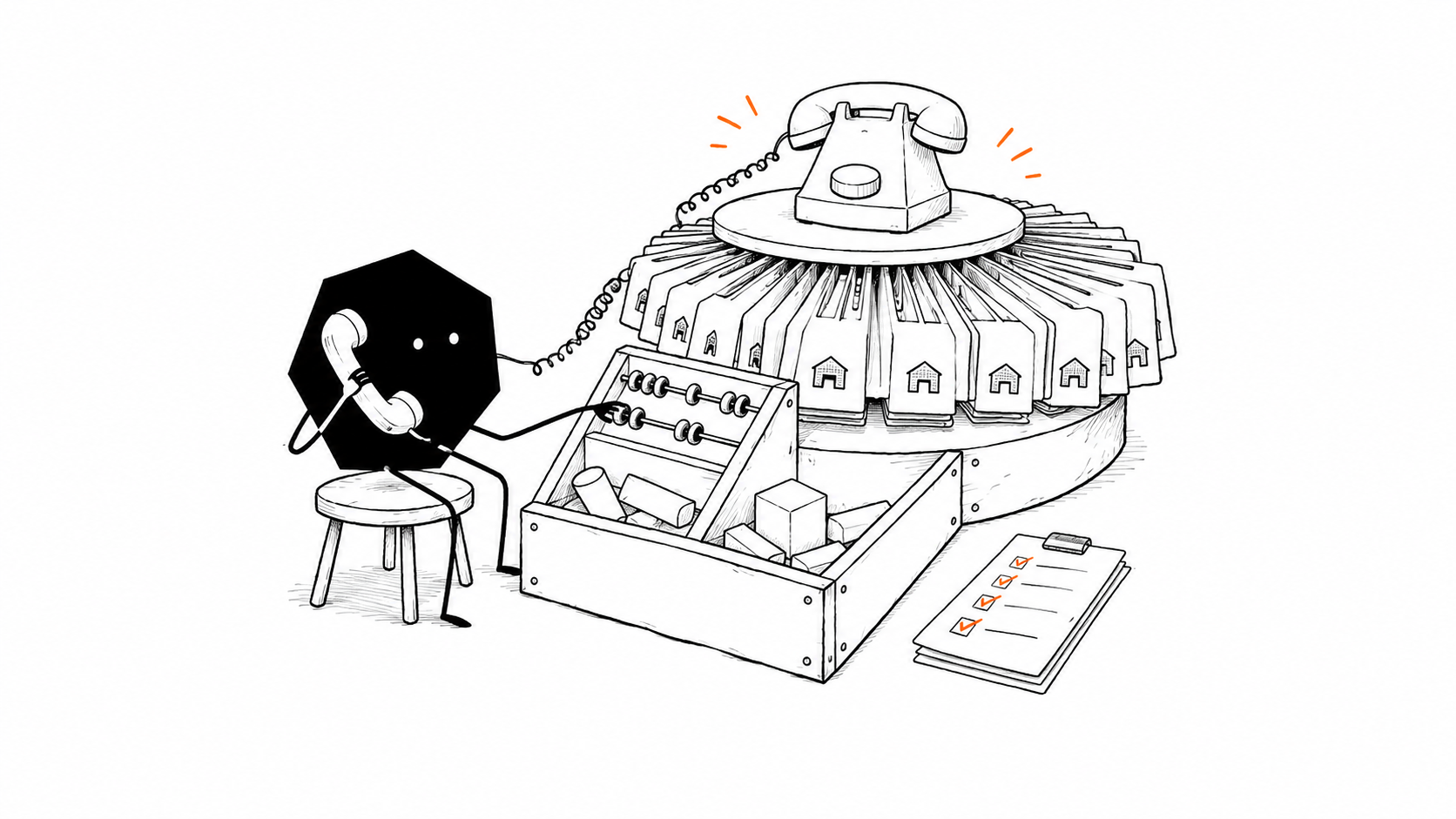
Automate supplier calls and inventory tracking
Solid's agents have automated raw-material procurement by calling hundreds of suppliers and maintaining a live inventory dashboard.
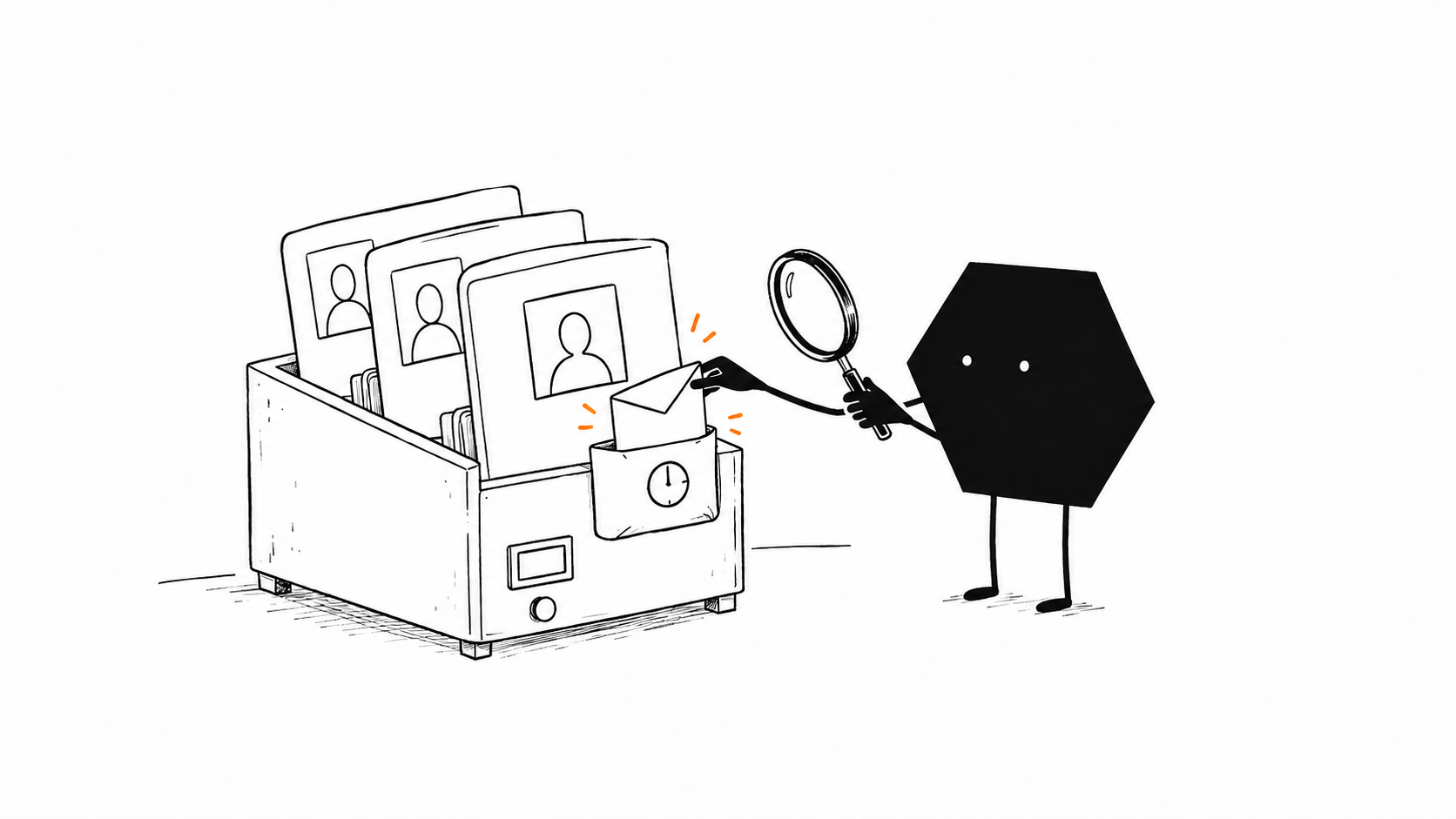
Automate LinkedIn recruiting and follow-ups
Solid's agents have operated a LinkedIn recruiting pipeline covering candidate search, outreach, and follow-ups.
Is Solid or Grok Bot better for your business?
Solid is the better fit when your team needs agents to manage separate machines and accounts, recover from setup problems, and carry lessons into ongoing business work.
Use Grok Bot when
Grok Bot for research and recurring tasks
Grok Bot is a strong fit for research, inbox management, and scheduled work that fits one hosted computer per user. Eligible paid plans include weekly usage; extra work can use shared on-demand spend when enabled.113
- You want named Bots that remember their roles and work through your connected accounts.
- Your work fits one hosted computer per user, with shared files and logins across that user's Bots.
- You are comfortable managing account access, usage limits, and any custom environment setup.
Use Solid when
Solid for agents across your business
Choose Solid when engineering, operations, or sales work needs agents that control their tools and environment, check their own repairs, and coordinate additional agents within your rules.311
- Your agents need their own computers, phones, accounts, and approved resources for the job.
- Your whole team wants to teach the same agents and direct jobs through Slack, iMessage, email, or WhatsApp.
- You want agents to inspect request costs, repair their setup, and verify results, with human help available.
Bring Solid your Grok Bot source and the access needed to continue it. Solid can review the project and carry the next build.
Continue from Grok Bot with SolidQuestions about Solid as a Grok Bot alternative
Is Solid a Grok Bot alternative for business automation?
Solid is a Grok Bot alternative for teams that need agents with their own computers, accounts, and approved budgets. Solid calls them meta-agents because they can inspect and control their environment, choose tools and machines, see request costs, and coordinate other agents. Their built-in loop connects setup, diagnosis, repair, verification, and lessons for future work.
How do Solid's self-healing agents recover when a job gets stuck?
Solid agents can start a recovery loop when they encounter a problem. They inspect relevant code, logs, tools, and machine state, choose a repair or a different approach, and rerun the affected work to verify the result. Changes stay within your access, budgets, and approval rules. If the agent remains blocked, you can talk to a real person.
How do Solid agents improve and learn from the whole team?
Solid agents retain useful lessons from job results, verified repairs, instructions, and feedback from your whole team. They apply those lessons to later decisions about tools, workflows, and their environment. This is Solid's self-improvement loop. Teams can share the agents, apps, and approved context in one workspace, so corrections can inform future work.
Can Solid coordinate Codex, Claude Code, OpenClaw, Hermes, and other agents?
Solid agents can orchestrate Codex, Claude Code, OpenClaw, Hermes, and other agents in the workspace. They can also spin up additional instances of themselves as subagents and divide the work between them. This self-scaling happens within your approved access, resources, budgets, and approval boundaries.
Can Solid agents use Windows, macOS, Linux, iPhone, and Android?
Solid agents can operate Windows and macOS computers, Linux servers, iPhones, and Android phones. Solid can equip individual agents with distinct approved identities, including Google and Apple accounts. Agents can choose the machine they run on and use the approved workspace, tools, and account access needed for the job.
Can Solid agents see request costs and control spending?
Solid agents can see the cost of each request and use cost information when choosing tools, machines, and other resources. You set the budgets and approval rules. AI usage, machines, and approved purchases all draw from one account balance, funded in full by your monthly subscription. Ask your agent for spending details at any time.
Can Solid agents communicate through Slack, iMessage, email, and WhatsApp?
Solid agents can communicate through Slack, iMessage, email, WhatsApp, and other channels your team uses. Give them the approved accounts and access for the job, and set when they should update you or ask for a decision. Your team can assign work, provide feedback, and receive updates in those channels.
How do I move a Grok Bot project to Solid?
To continue a Grok Bot project in Solid, provide the source code or project files, business rules, and approved account access. Solid agents can review the project, build the next version, and monitor or repair the app. You retain source-code control and can export or deploy elsewhere. A Bot share link alone does not transfer private history, data, credentials, or deployment settings.