Solid vs Manus
Agents that get themselves unstuck
Solid's agents can change tools or machines, repair their setup, verify recovery, and learn from each fix within your budgets and approvals.
Get Started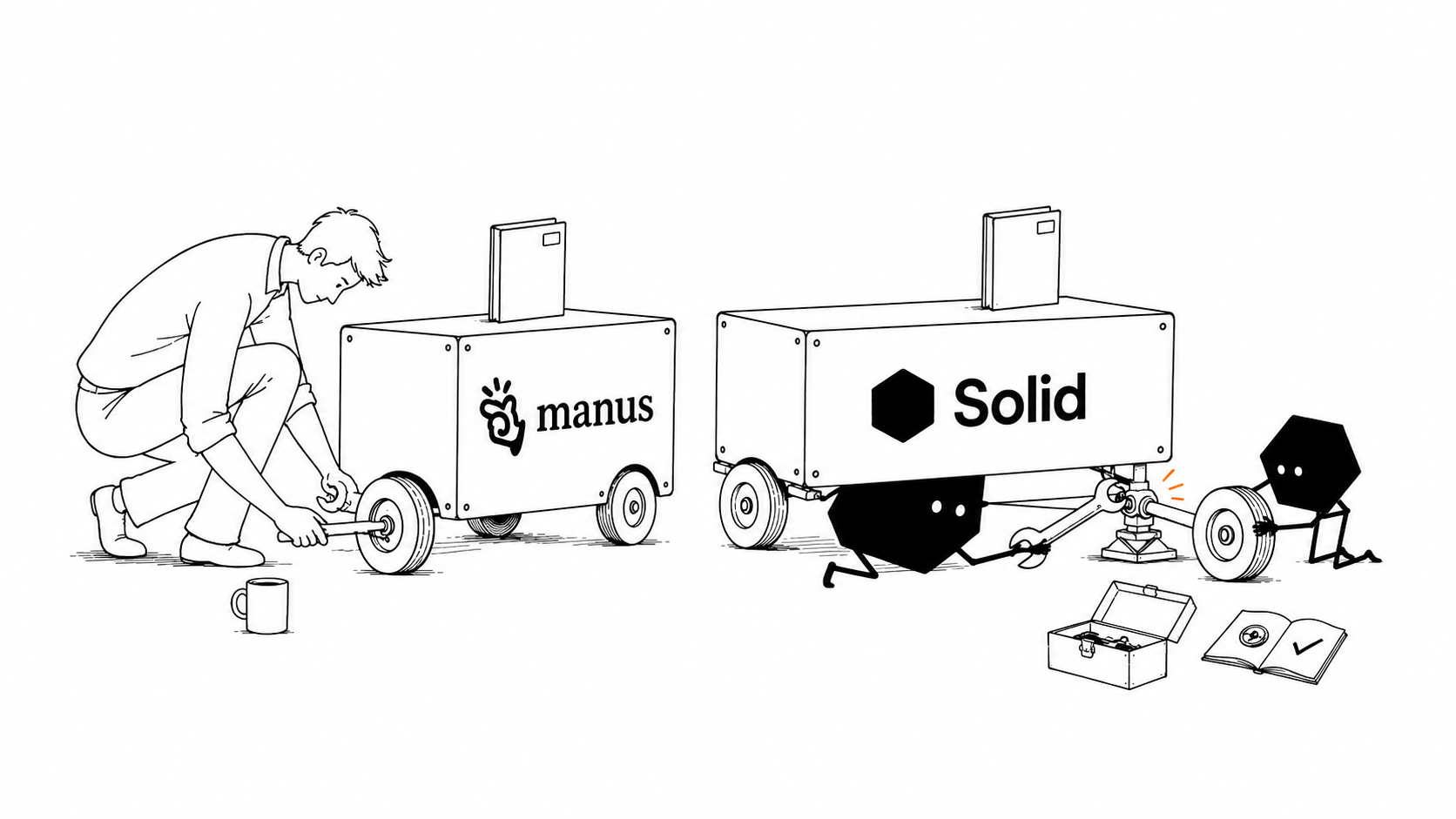
What makes Solid different from Manus?
General-purpose AI agent
Manus
Manus is a general-purpose AI agent for research, apps, and connected tasks. Wide Research coordinates Manus agents in parallel. Projects, schedules, Cloud Computer, and Slack integration also support recurring team work.4185619
Agents that manage the whole operating setup
Solid
Solid's agents manage their own environment across engineering, operations, and sales. These meta-agents inspect the workspace and request costs, choose tools and machines, and equip themselves for the job. They can repair their setup, retain useful lessons, and bring in external agents or create subagents within your rules.1
Choose Solid when you want to delegate the setup, recovery, learning, and agent coordination behind a business workflow.
Why choose Solid as your Manus alternative?
Solid's agents are self-sufficient, self-healing, self-improving, and self-scaling. Your team sets the outcome, access, budgets, and approvals.
Get the tools and resources the job needs
Agents can set up computers, phones, and their own accounts, write missing connections, and buy approved services from a customer-funded balance within your budgets.
Repair the setup and verify recovery
Agents inspect their tools, machine, logs, and request costs, change the approach, and check whether the repair worked. Exceptions follow your approval rules.
Carry useful lessons into the next job
Agents retain lessons from verified repairs and your whole team's instructions. What they learn shapes future tool choices, environment changes, and workflows.
Bring in more agents as the job grows
Agents can divide work among external agents, existing workspace agents, or new instances of themselves as subagents, within your resource and approval limits.
Solid vs Manus feature comparison
Compare who handles machine choice, resource spending, agent coordination, and recovery when a Manus task becomes an ongoing business workflow.
| Capabilities |  | Manus |
|---|---|---|
| Choosing the runtime machine | Agents choose Windows, macOS, or Linux machines and inspect costs within your resource rules.1 | You choose an Ubuntu Cloud Computer plan; Manus can assign persistent compute automatically.176 |
| Desktop application automation | Agents operate desktop interfaces on their own approved computers.1 | For My Computer, you provide a running local machine and tools accessible through its command line.910 |
| Agent accounts | Agents can obtain distinct approved accounts, including Google and Apple identities.1 | You sign into the service accounts and grant Manus connector or cloud-browser access.1112 |
| Coordinating external agents | Agents can combine Hermes, OpenClaw, Codex, Claude Code, workspace agents, and new subagents.1 | You configure custom service connections; Wide Research deploys parallel Manus agents.413 |
| Resource costs and spending | Agents see each request's cost and can change tools or machines within your resource budgets.1 | You choose a monthly Cloud Computer plan and track task credits separately.1714 |
| Applying team instructions | Agents retain approved instructions and corrections from you and your team across later jobs.1 | You maintain Project instructions and files; file updates apply to newly created tasks.18 |
| Failed scheduled runs | Agents inspect the failure, repair their setup, verify recovery, and retain the correction.12 | You review task errors; for crashed cloud processes, you ask Manus to check logs and restart them.78 |
| Custom integration upkeep | Agents can build missing connections and keep their workflows running with approved access.12 | For custom MCP integrations, you host the server and maintain its authentication and monitoring.13 |
| Business approval rules | Set workspace policies that block actions or route configured exceptions to a person.1 | For business rules enforced through custom MCP, you implement the approval checks in that service.13 |
| Operating an exported app | Agents can inspect existing source, plan deployment, and operate the app with approved access.13 | After a code download or GitHub export, you arrange the destination hosting and production setup.1516 |

Bring Solid your Manus source and the access needed to continue it. Solid can review the project and carry the next build.
Continue from Manus with SolidHow Solid runs work across your business
Solid's customer work includes SaaS delivery, raw-material procurement, and LinkedIn recruiting. These illustrations explain the work and the capabilities behind it.
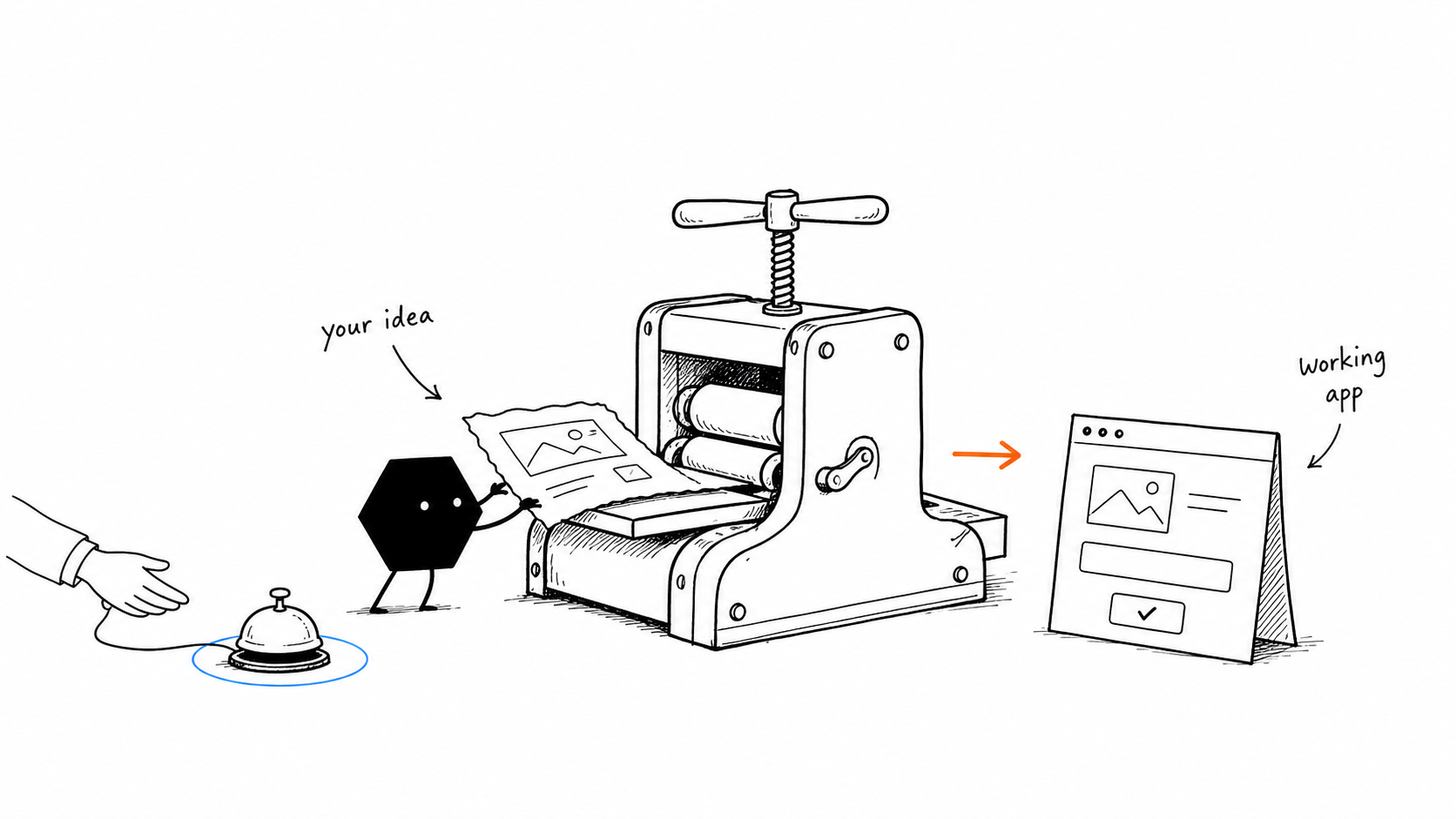
Build and deploy business SaaS platforms
Solid has built and deployed public-facing SaaS platforms for businesses across real estate, fintech, supply chain, and dozens of other verticals.
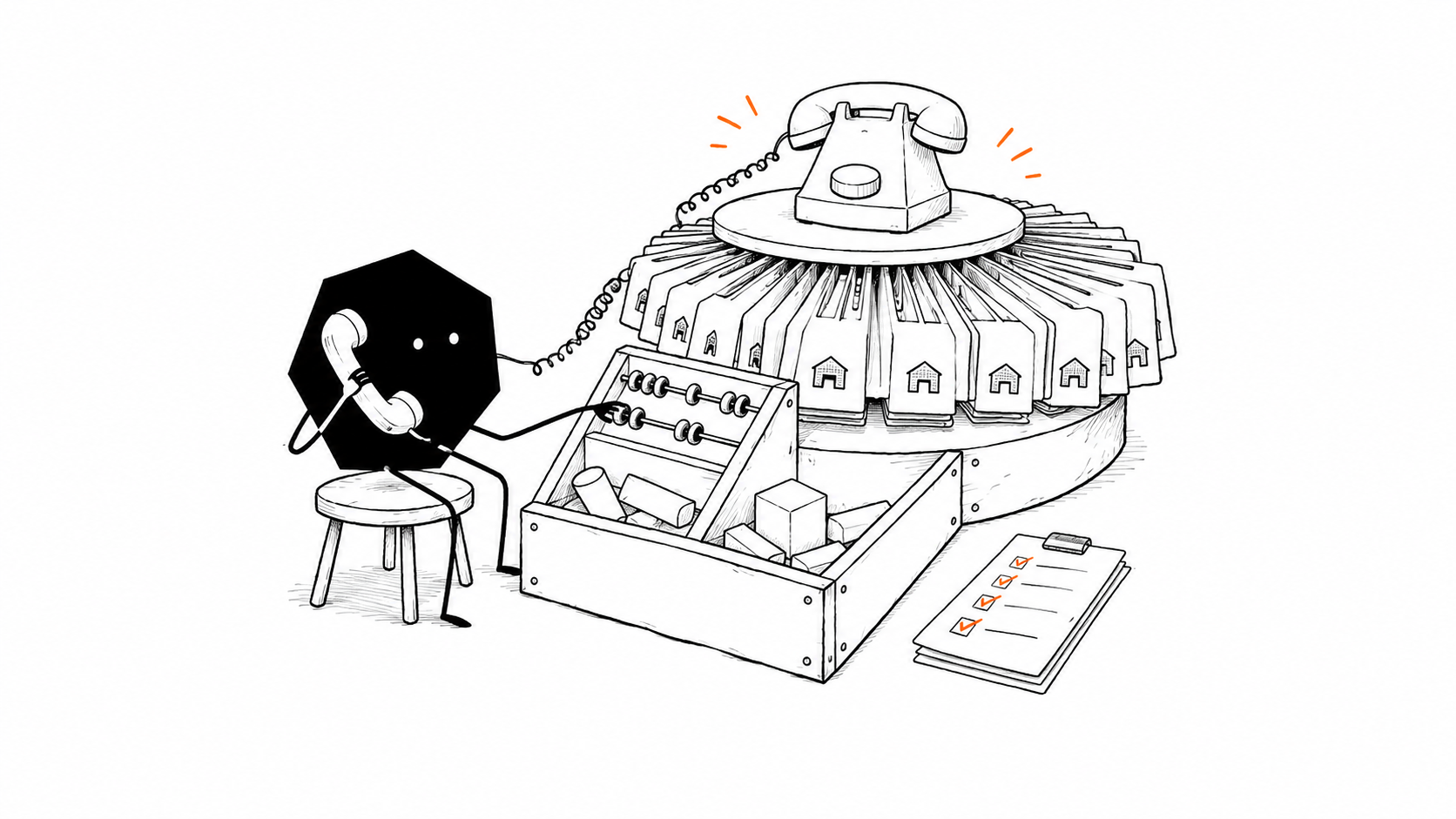
Automate supplier calls and live inventory
Solid's agents have automated raw-material procurement by calling hundreds of suppliers and maintaining a live inventory dashboard.
Run LinkedIn recruiting from search to follow-up
Solid's agents have operated a LinkedIn recruiting pipeline covering candidate search, outreach, and follow-ups. New workflows use approved accounts and follow the customer's rules and LinkedIn's policies.

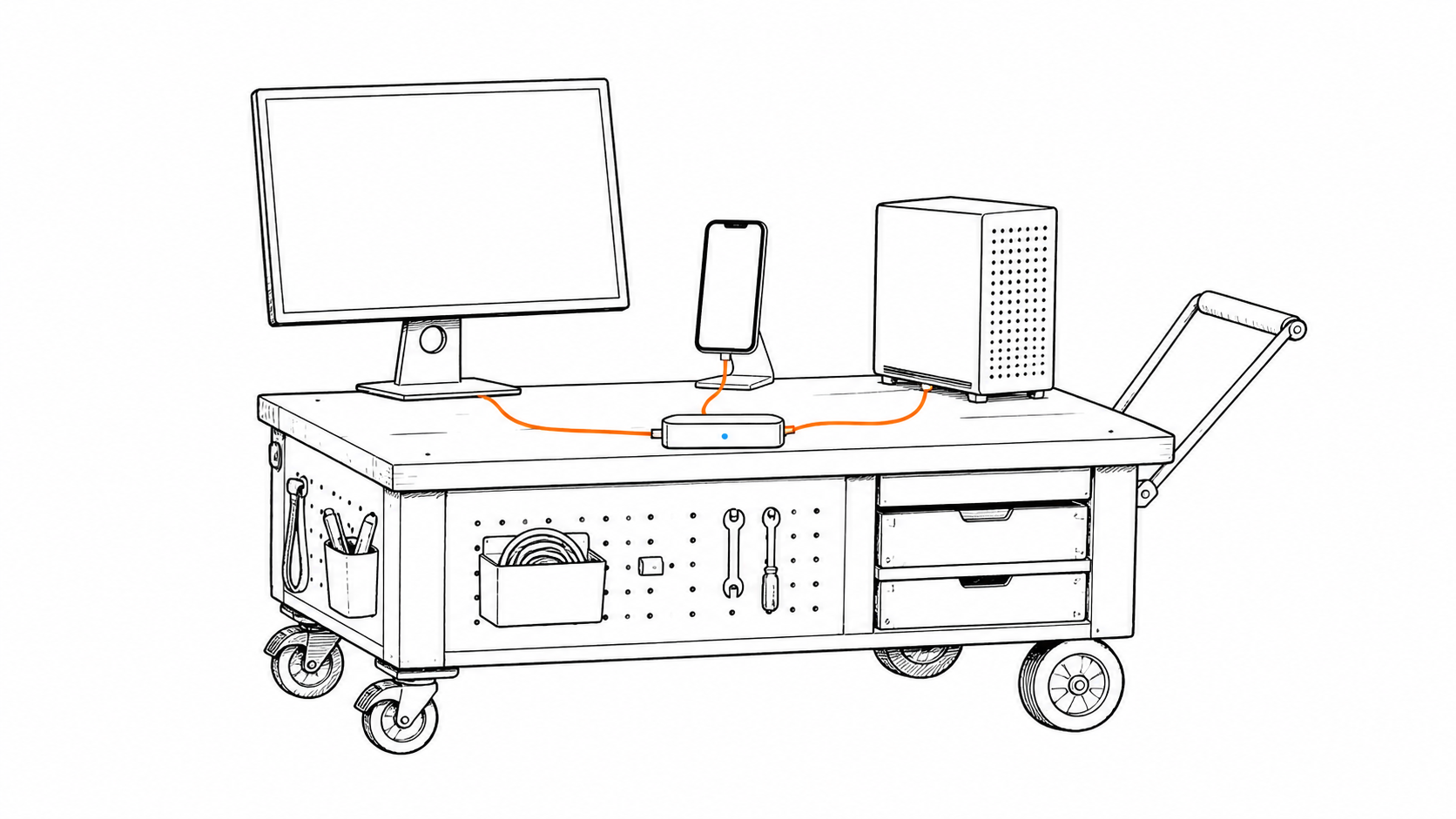
Operate Windows, macOS, Linux, iPhone, and Android
Solid's agents can operate their own Windows and macOS computers, Linux servers, iPhones, and Android phones. They can inspect the machine and approved workspace they are using, choose tools, and change their setup as the job evolves.
Work through Slack, iMessage, email, and WhatsApp
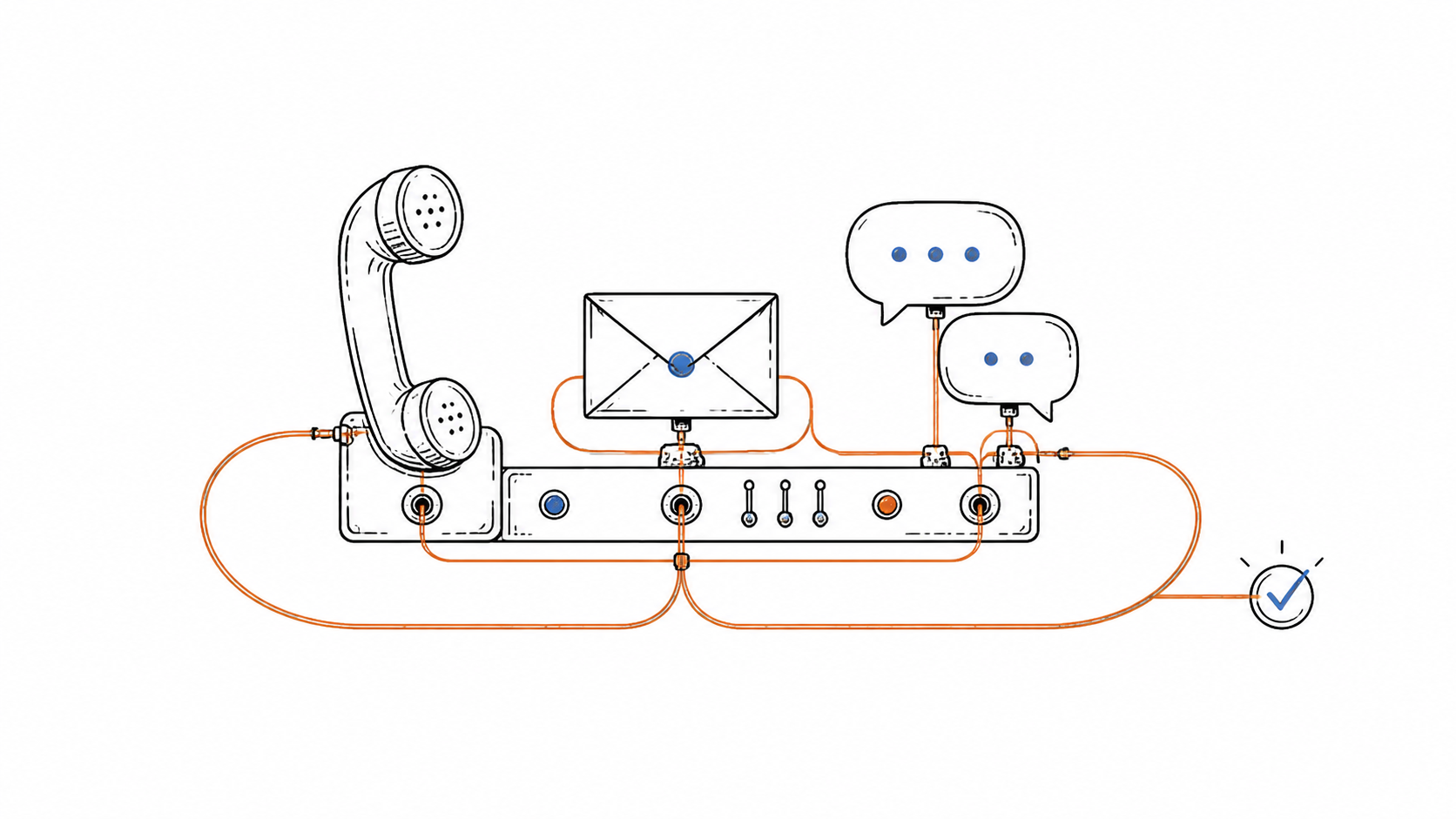
Solid's agents communicate through their own approved accounts where your team already works. Assign jobs, share feedback, or receive results through Slack, iMessage, email, WhatsApp, and other channels. Available access and each platform's rules determine the connection.
Put other agents to work and manage the handoffs
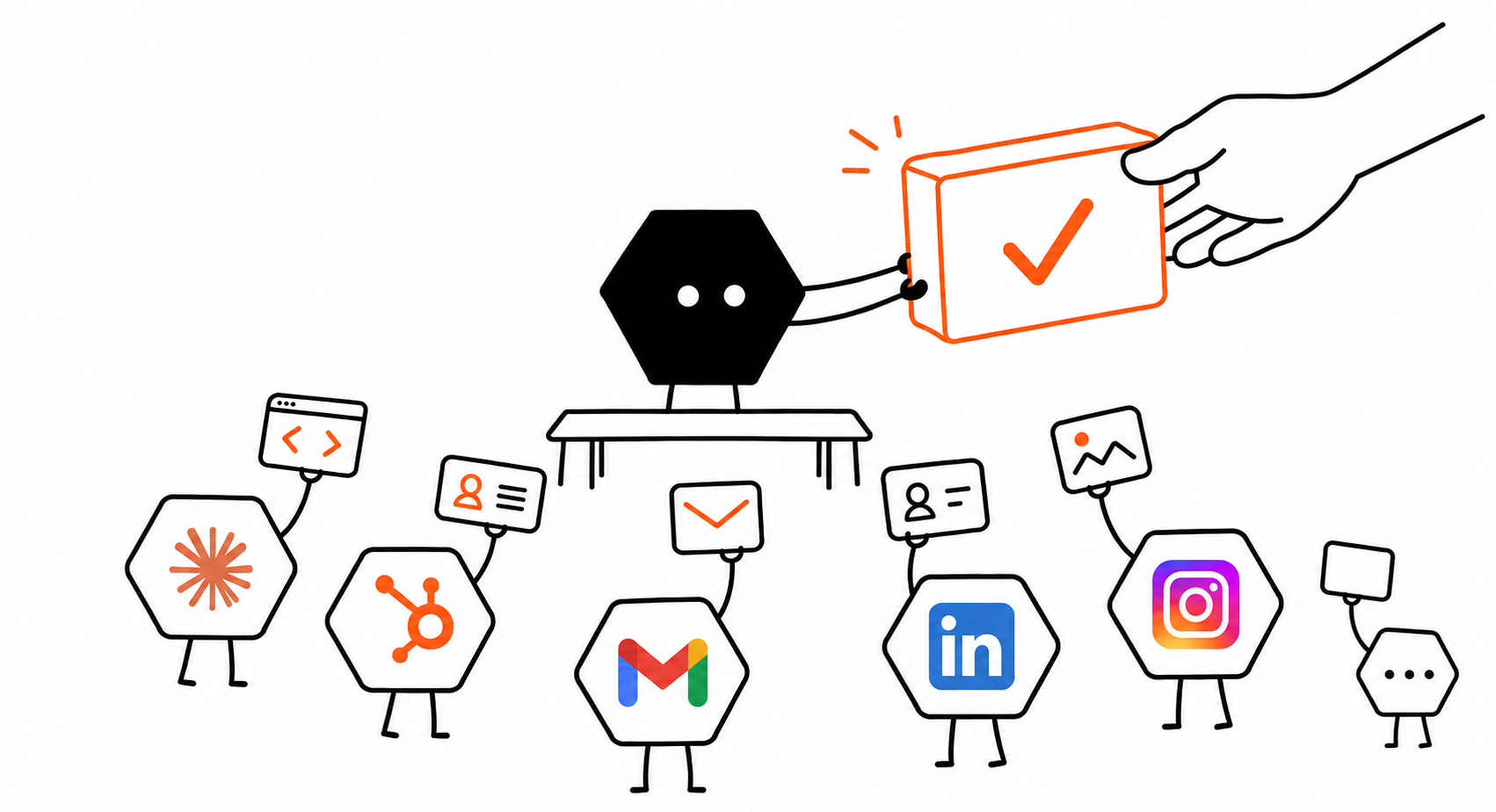
Solid's agents can orchestrate Hermes, OpenClaw, Codex, Claude Code, and other workspace agents. They can also spin up instances of themselves as subagents, divide the job, combine outputs, and check the result. Your access, resource budgets, and approvals govern the delegated work.
Is Solid or Manus better for business automation?
Choose Solid to delegate the resources, repairs, and agent coordination that keep a business workflow running. Choose Manus for its integrated research, creation, and recurring-task workspace.
Use Manus when
Manus for research and connected tasks
Manus is a strong choice when Wide Research, Projects, and its cloud environment fit the work you want to run and review.4186
- You want parallel research and processing that turns many inputs into reports, datasets, or apps.
- Its Ubuntu Cloud Computer, local CLI tools, and connected services cover the operating environment you need.
- You are ready to maintain Project instructions and the custom connections or exported app setup your workflow requires.
Use Solid when
Solid for running and improving the whole workflow
Solid is the better fit when the job needs agents to get equipped, recover from problems, apply lessons, and bring in more agents under your team's rules.123
- You want agents to obtain their own machines, accounts, and approved paid resources.
- You need failures diagnosed, repairs verified, and lessons kept for the next job.
- The work spans different agent systems, workspace agents, or new subagents under shared rules.
Bring Solid your Manus source and the access needed to continue it. Solid can review the project and carry the next build.
Continue from Manus with SolidQuestions about Solid as a Manus alternative
Is Solid a Manus alternative for running business workflows?
Solid is a Manus alternative for teams that need agents across engineering, operations, sales, and the work between them. Agents can obtain approved resources, recover from failures, apply lessons, and coordinate more agents. Describe the outcome and ask Solid what it needs; its agents can explain and set up the approved path.
What is a Solid meta-agent, and how does it scale its work?
Solid's agents are meta-agents that inspect and control their own working environment. They see their machines, the cost of each request, and everything in their approved workspace. They can choose tools, change the setup, and divide work among Hermes, OpenClaw, Codex, Claude Code, workspace agents, or new instances of themselves as subagents. Your access, resource budgets, and approval rules govern those choices.
Can Solid operate Windows, macOS, Linux, iPhone, and Android?
Solid's agents can operate their own Windows and macOS computers, Linux servers, iPhones, and Android phones with approved access. They can also use distinct approved accounts, including Google and Apple identities. Agents on separately provisioned computers can continue after you close your laptop. A workflow using your local machine still needs it available.
Can Solid work through Slack, iMessage, email, and WhatsApp?
Solid's agents can receive jobs, communicate, and report back through Slack, iMessage, email, WhatsApp, and other channels using their own approved accounts. A prebuilt connector is not required. The available API, browser, desktop, or phone access and each service's policies determine the supported setup.
Does Solid remember instructions from my whole team?
Solid's agents learn from you and your whole team. They retain approved instructions, decisions, preferences, corrections, and feedback across jobs, alongside useful lessons from their own work and verified repairs. That context informs future tool choices and workflows. Workspace policies define who may share context and which actions require approval.
Can I control Solid's costs and resource spending?
Solid lets you set budgets and approvals for machines, APIs, subscriptions, and services. Agents can inspect per-request costs, resource state, and logs to decide how to use approved tools and machines. Your monthly subscription funds one balance in full. AI usage, machines, and approved purchases all draw from that balance. Ask your agent for spending details at any time.
Can Solid's agents self-heal and self-improve?
Solid's agents can self-heal and self-improve through a built-in loop. They inspect the problem, tools, machine, workspace state, and request costs to choose an approved change. They apply it, rerun the affected work, and verify the result. Useful lessons carry into future jobs. If the agent remains blocked, it can revise its approach or involve a person. You can also talk to a real person when the AI gets stuck.
Can Solid continue my Manus app and keep its source portable?
Solid can continue a Manus app when you provide its source export or repository and approved access to the required services. Agents inspect the project and plan the next build, checks, and deployment. You keep full control of the source, including ZIP export, GitHub, and deployment elsewhere. A public URL alone does not transfer private code, data, files, secrets, authentication, or hosting settings.