

Does editing your production app directly feel risky?
Solid can create a separate test version, test and verify the update there, then push it to production when the required checks pass.
Test my app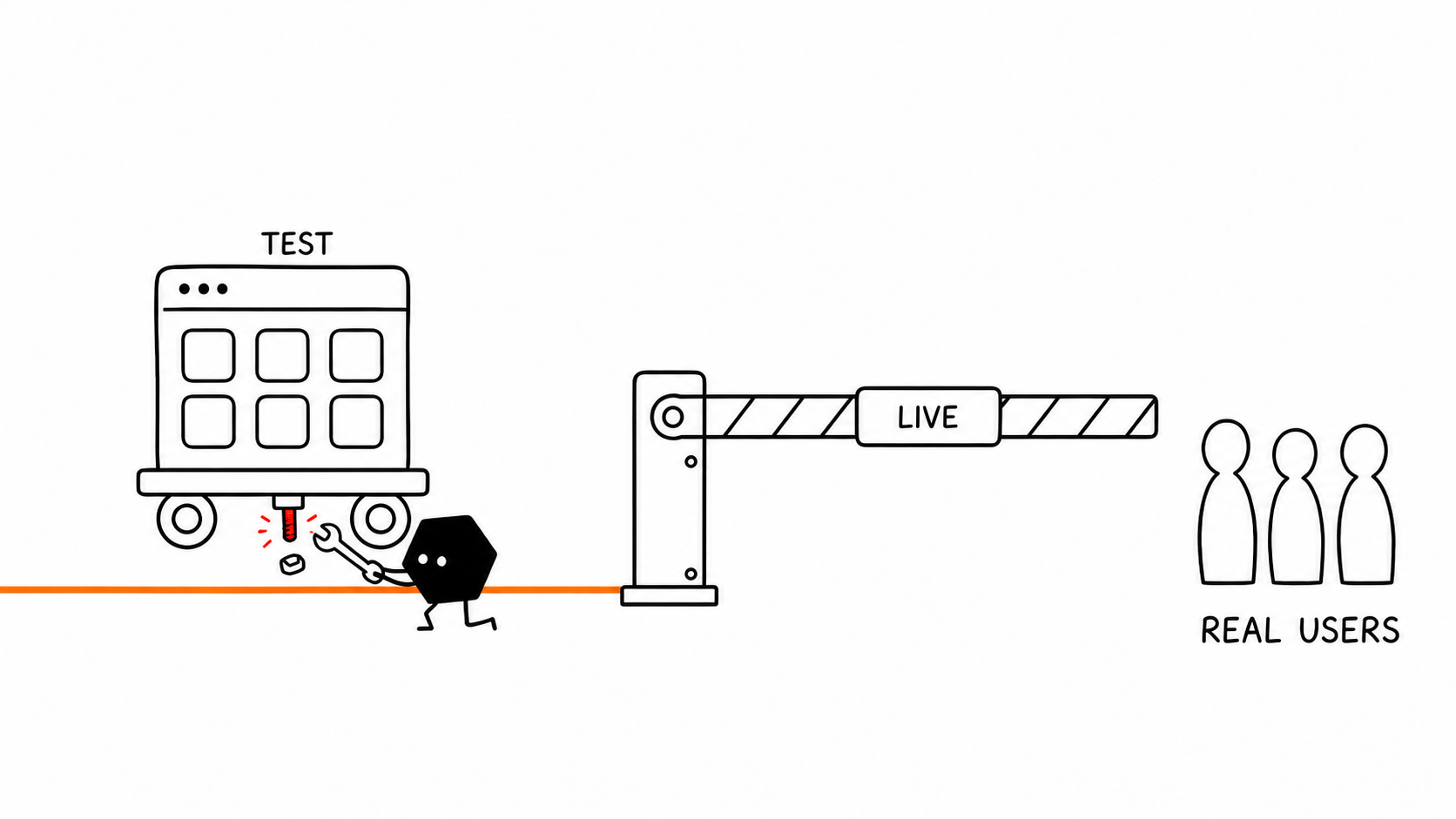
Solid can test changes before they reach real users, then deploy, host, monitor, and help fix the live app.
Example request to Solid: I built an app with Lovable. It works in the preview. Help me put it online and take care of production.
Log in to attach your project ZIPLaunch my appBuilders and operators at these companies use Solid.
















The problem
Security gaps, broken sign-in or payments, and lost customer data can become major issues fast. Solid handles the production setup, checks, and repairs.
No hosting setup to figure out. Just bring the project and choose your link.
Open Lovable's code editor and download the full project codebase.
Upload that one file. Solid takes it from here.
Choose the link you want to share. Solid gets it online and checks it for you.
Solid can test changes, check data paths, monitor the live app, and repair supported failures. A real person can step in.
Solid can create a separate test version, test and verify the update there, then push it to production when the required checks pass.
Test my appSolid checks supported sign-in and data paths, addresses what it finds, and flags what needs a deeper security review.
Check my data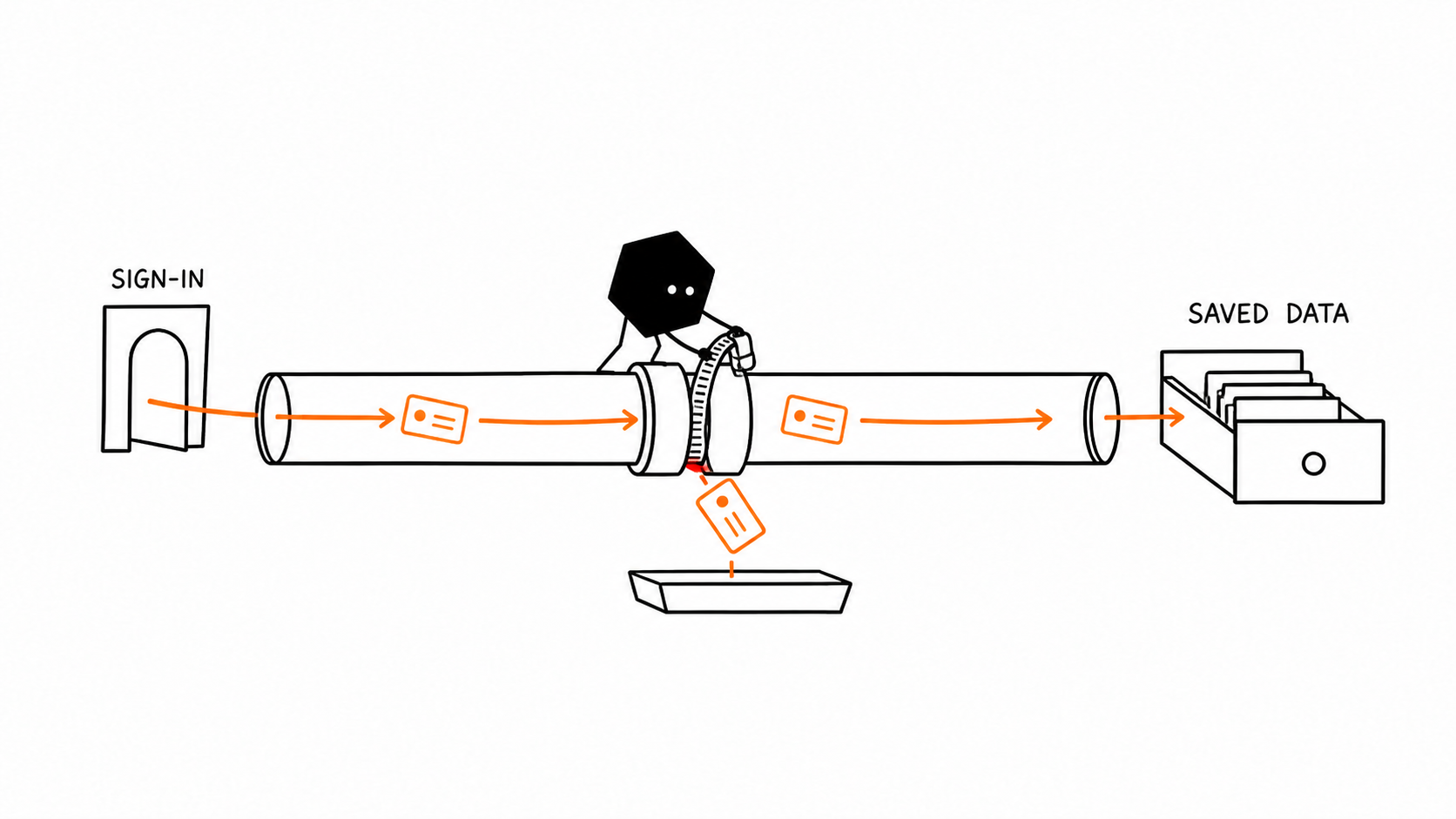
Once monitoring is set up, Solid can investigate supported failures, make approved repairs, and verify recovery.
Monitor my app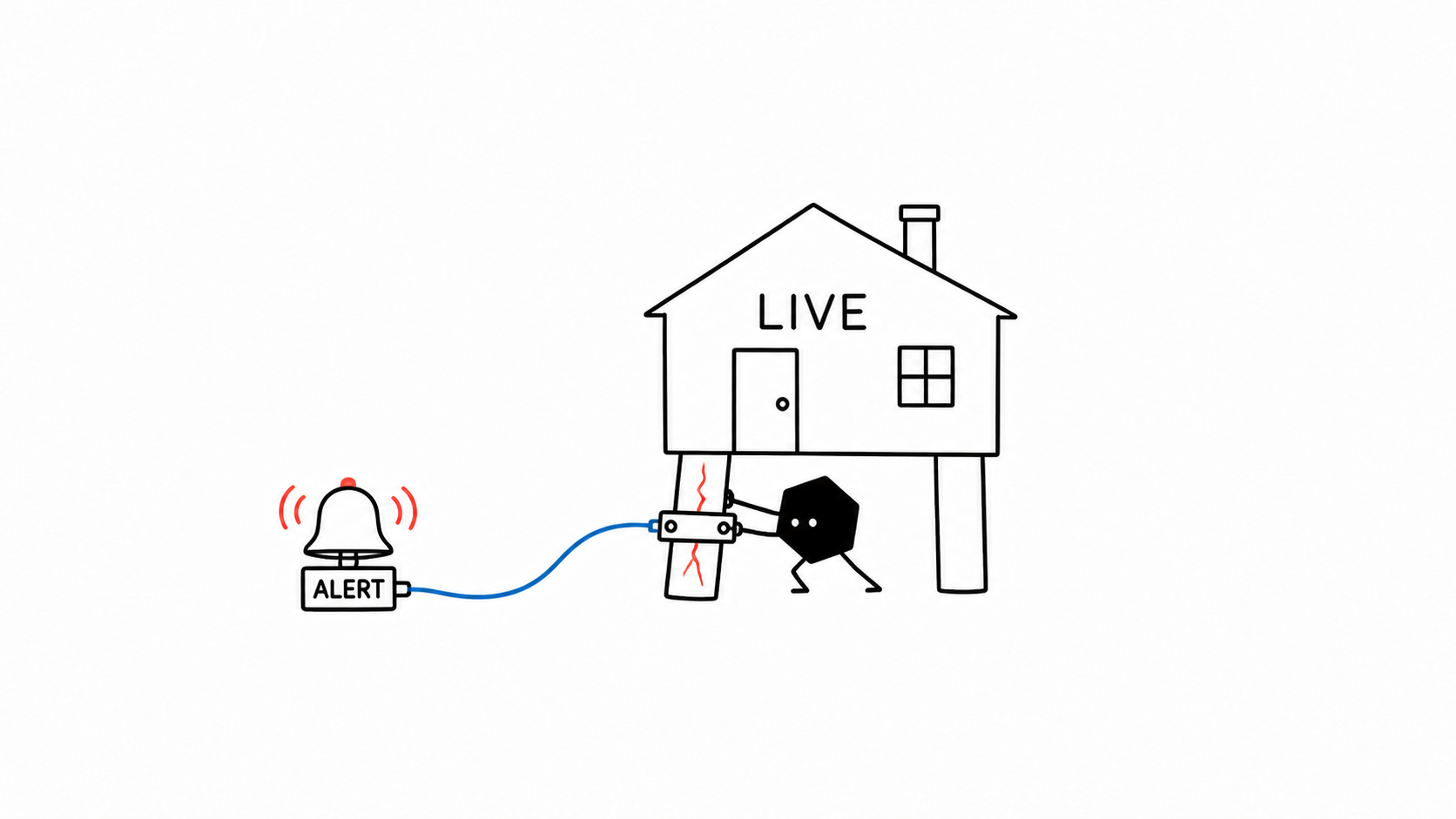
A real person can step in. You do not have to debug production alone.
Get human help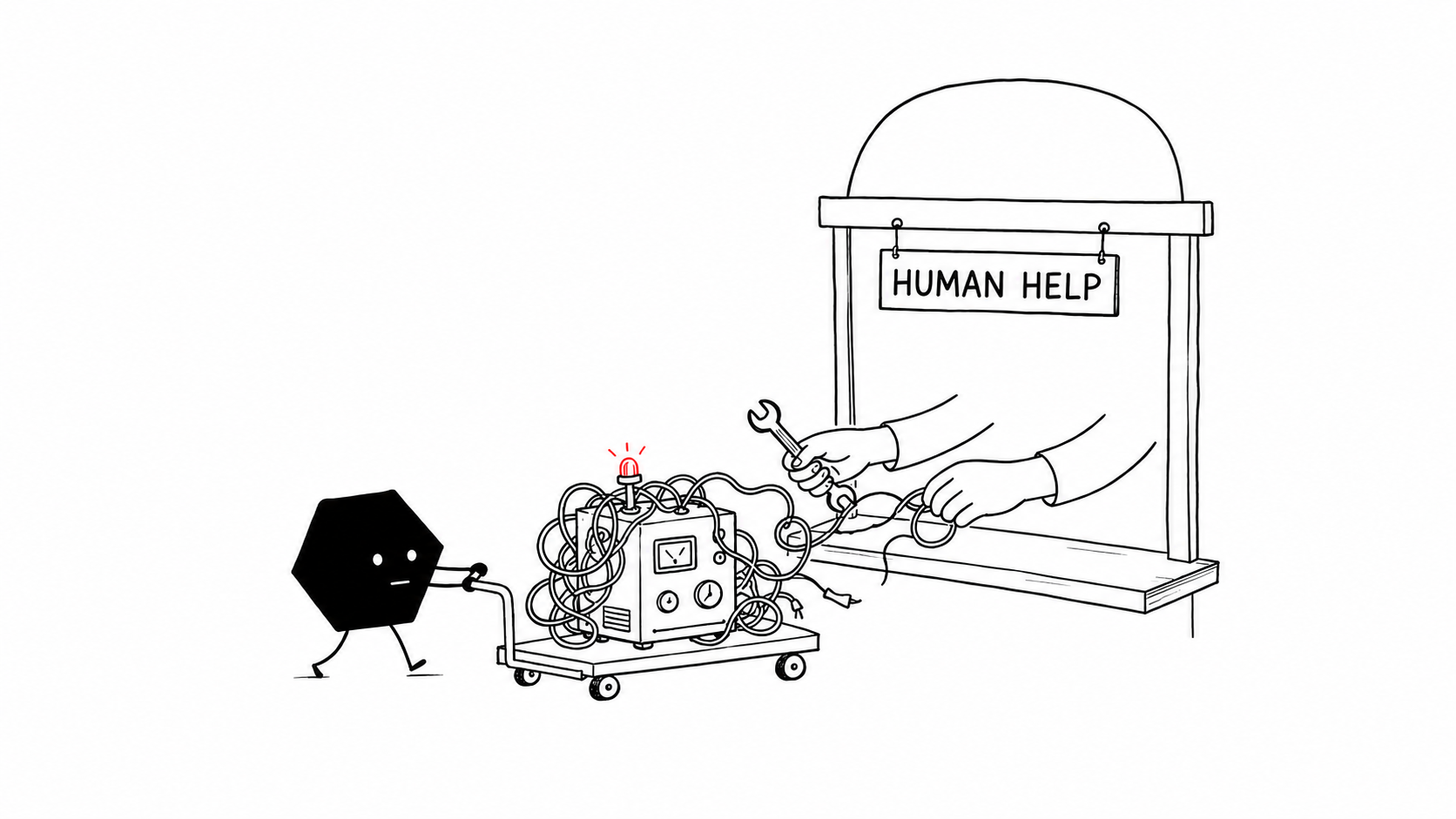
Download your project as a ZIP from Lovable, upload it to Solid, and choose your live address. Solid inspects the app, deploys it, hosts it, and checks the live result.
Yes. On a paid Lovable plan, open Code and choose Download codebase to save the full project as a ZIP. You need edit access; Enterprise admins can restrict downloads. GitHub sync is another way to give Solid approved access to your source.
Your project stays in Lovable while Solid runs the approved production setup from the ZIP you provide. You can make later changes in Solid or upload a new ZIP. The exact update flow depends on the project and providers.
Yes. For supported setups, Solid can create a separate test deployment, configure test-specific data and credentials where required, run the technical checks there, and promote the release after they pass. Database and schema promotion depend on the backend and providers.
Solid inspects your app and chooses a practical set of launch checks. That can include sign-in, forms, payments, APIs, and saved data. You can leave the testing to Solid, ask it to focus on specific flows, or run your own tests too.
Solid inspects the app, checks sign-in and how customer data is read and saved, and addresses issues it finds. The live app uses a production database, either one already connected to the app or one Solid sets up. You can also tell Solid about any security or compliance requirements you want included in the review.
Yes. Ask Solid to monitor your app and agree on the checks, access, reporting, and repair approvals. Once set up, Solid can investigate supported failures, make approved fixes, and check recovery. Coverage depends on your app and providers; monitoring does not guarantee uninterrupted service.
Absolutely. Your source code stays yours. You can keep it in Solid, ask Solid for a ZIP whenever you want, or connect the project to GitHub. You can download it, move it, or hand it to a developer at any time.
Solid can help connect your domain and check the live address. The exact steps and account access depend on your domain and hosting providers.
Yes. If AI gets stuck, you can ask a real person to step in. This does not promise an immediate response time.
Bring the project ZIP. Solid handles the production work.
Launch my app