
What makes an AI app production-ready?
How to evaluate an AI-built app beyond its preview: working backends, data access, integrations, code ownership, testing, and ongoing maintenance.
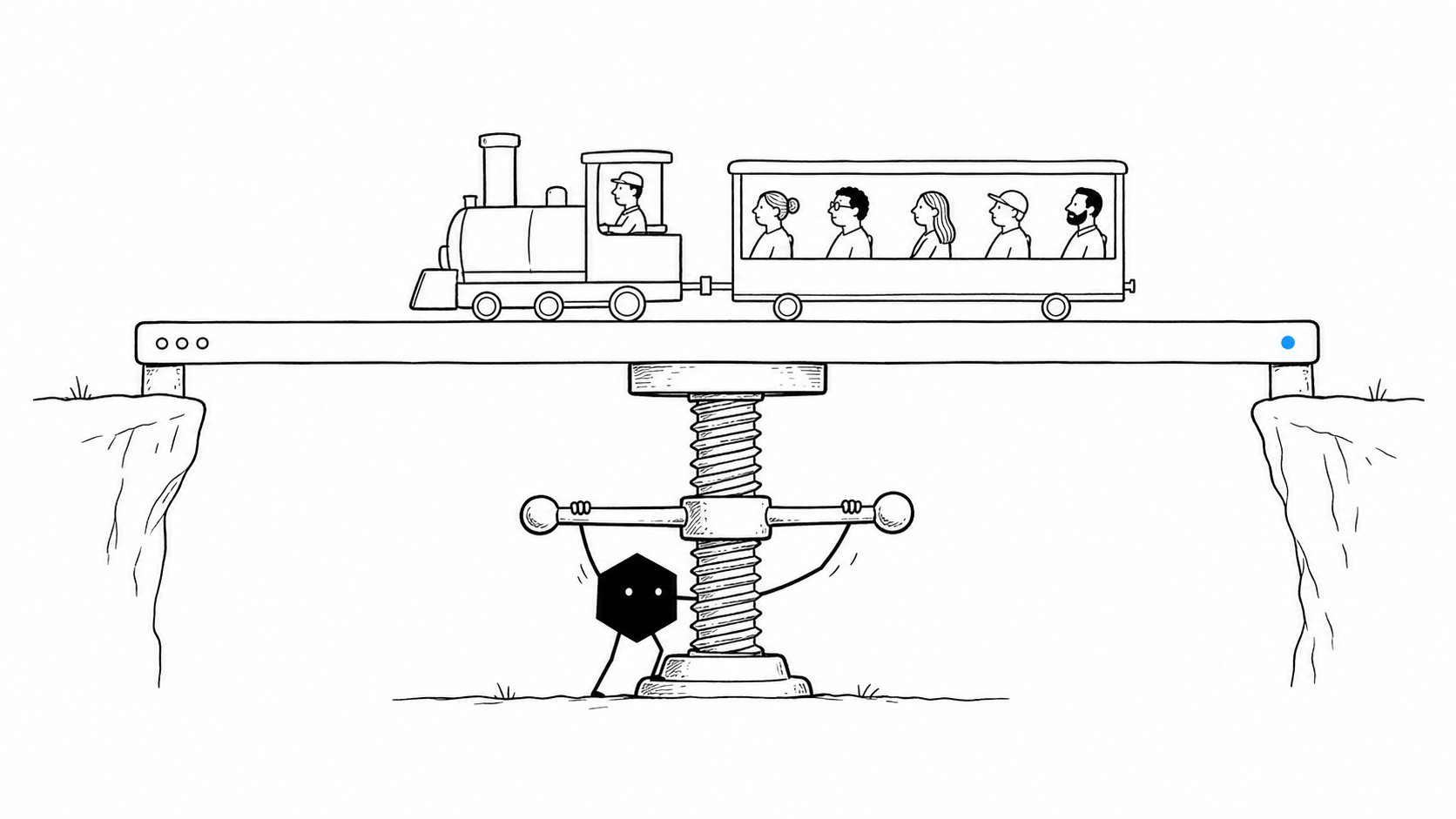
A production-ready AI app completes real workflows, stores the right data, enforces access rules, and can be operated and changed after launch. A convincing preview is a useful start. Before customers or colleagues depend on the app, you need to know what happens behind every important action.
“Real versus fake code” is a shorthand for that concern. The useful questions are concrete: does the app do the work, who controls it, and who will keep it working? Here is how to evaluate those questions when choosing an AI app builder or taking a generated project into production.
Can Lovable and Bolt build real backends?
Both Lovable and Bolt document backend capabilities. Lovable’s Supabase integration supports database, authentication, storage, and serverless functions; its documentation also describes a built-in backend. Bolt Cloud includes database management, authentication, edge functions, and hosting.
A managed backend can be a sound part of a production application. Using Supabase, serverless functions, or a hosted database does not by itself make a project a mockup. Equally, having a separate server does not prove an application is ready for users. Evaluate the implementation, the workflow it supports, and the responsibilities you will carry after launch.
For a closer look at the choice between Solid and Lovable, read our app-building and production-care comparison.
Does the interface complete a real workflow?
A working interface should produce the result its controls promise. A “Save” button needs to save data, a booking needs to create the right reservation, and a payment needs to reach the correct provider and update the order.
Consider an illustrative support portal. Creating a ticket should store it, associate it with the right customer, make it available to the support team, and preserve its status when the customer returns. Displaying a success message or adding a row to temporary browser state is only part of that workflow.
Ask the builder to walk through the complete path with you. Refresh the page, sign out, return on another device, and verify the resulting record. Identify any sample data, simulated responses, or unfinished integrations before treating the app as live.
Where do the data and access rules live?
A production app needs a clear answer for where records are stored, how they relate to each other, and which people can read or change them. Authentication establishes who a person is. Authorization determines what that person can do.
Those rules must hold when a request reaches the backend, not only when a button is hidden in the interface. Depending on the architecture, they may be enforced in application services, database policies, or both. Supabase, for example, documents Postgres row-level security for controlling access to individual rows.
Test the boundaries with separate accounts and roles. A customer should not be able to see another customer’s records. A read-only teammate should not gain write access by calling an endpoint directly. Also establish how schema changes, backups, and restores will work for this particular app.
Can the app handle your business rules and integrations?
Real business workflows include exceptions. An order might need approval above a threshold. A booking can conflict with another reservation. A payment provider might time out after accepting a charge. An integration can deliver the same event twice.
Your app needs a deliberate response to the cases that matter for your business. Ask where these rules are implemented and how they will be tested. Check that credentials stay in the appropriate server environment and that the app reports an integration failure accurately.
You do not need to predict every possible failure before launching. Start with the important user journeys and the consequences of getting them wrong. Make retries, duplicate events, invalid inputs, and unavailable services part of that review rather than assuming the happy-path demo covers them.
What do you own, and what can you move?
Source-code access gives you a way to inspect and extend an app. A practical handoff also needs build instructions, dependency versions, database migrations, environment configuration, and a clear account of the services the project uses.
Code export and data export are different capabilities. Check how you would move stored records, uploaded files, authentication, scheduled jobs, and domain configuration. Keep private credentials out of shared code bundles and document how the next operator should supply them securely.
Managed services often reduce the work required to launch and operate an app. Understand those dependencies before choosing them: what can you configure, where do usage limits apply, and what would a future migration involve? The goal is an informed choice, with an exit path that matches your needs.
Can you test and troubleshoot changes?
A useful test checks an outcome someone depends on. For the support portal example, that means verifying that a ticket survives a reload, reaches the correct team, and remains inaccessible to other customers. It also means checking what happens when a notification service fails.
Before a consequential release, ask for evidence that the affected workflows were checked. A passing build establishes that the code can be built; it does not establish that the business process works. Browser checks, integration tests, and targeted manual review each answer different questions.
When a problem occurs, you should be able to find the relevant error, understand which operation failed, and verify the repair. Decide what logs and monitoring the app needs, while limiting unnecessary exposure of customer data. Keep a tested recovery path for the changes and data your users rely on.
Who keeps the app running after launch?
Launching introduces continuing work: deployments, database changes, credentials, external API changes, usage costs, bug reports, and new feature requests. Decide who owns those responsibilities and how they will notice and respond to problems.
Ask how you will review a change before it reaches production, how access is granted, and how you will understand ongoing spending. The right arrangement depends on the app and your team. A small internal tool and a customer-facing service can have very different operating requirements.
Treat maintenance as part of the builder decision. You are choosing both a way to create the first version and a way to keep improving it.
How does Solid handle app building and ongoing work?
Solid gives agents the tools and approved access to build, test, deploy, host, monitor, and repair applications. You provide the outcome, business rules, constraints, and approval boundaries. The agents inspect the project, work through the implementation, check the result, and report what needs your attention.
You retain control of the source code for apps Solid builds or operates. You can ask for a ZIP export, connect the code to GitHub, deploy it elsewhere, or hand it to a developer. Agents can also continue an existing project when you provide its source, project context, and the necessary access. A project link alone does not transfer private data, credentials, or deployment configuration.
For example, you could ask:
Review our support portal before launch. Check ticket creation, customer permissions, persistence, and notification failures. Prepare fixes and report the checks you ran. Ask me before changing production data or deploying.
That is an illustrative request, not a claim about a completed customer project. Solid’s agents carry out the work within the access, budgets, and approvals you set. You can involve a real person when you need help.
Explore building and running a web app with Solid, or contact us about your project.
What should you verify before launch?
Use these questions to make the launch decision concrete:
- Do the important user journeys complete against the intended services and data?
- Are permissions enforced for the roles and records your app supports?
- Have the relevant failure cases and recovery steps been checked?
- Can you access the code, configuration, and data needed to maintain or move it?
- Is someone responsible for deployments, monitoring, costs, and ongoing changes?
An app earns trust through those working details. Ask your builder to show the evidence for the workflows you intend to put into use.
Put an agent to work.
Give Solid the outcome. It uses the tools your team already relies on, remembers how you work, and keeps going until the job is done.