Solid vs Emergent
Keep the app working after the autonomous build.
Emergent automates app builds, including multi-phase E3 projects; Solid carries the app through launch, operation, and repair.
Get Started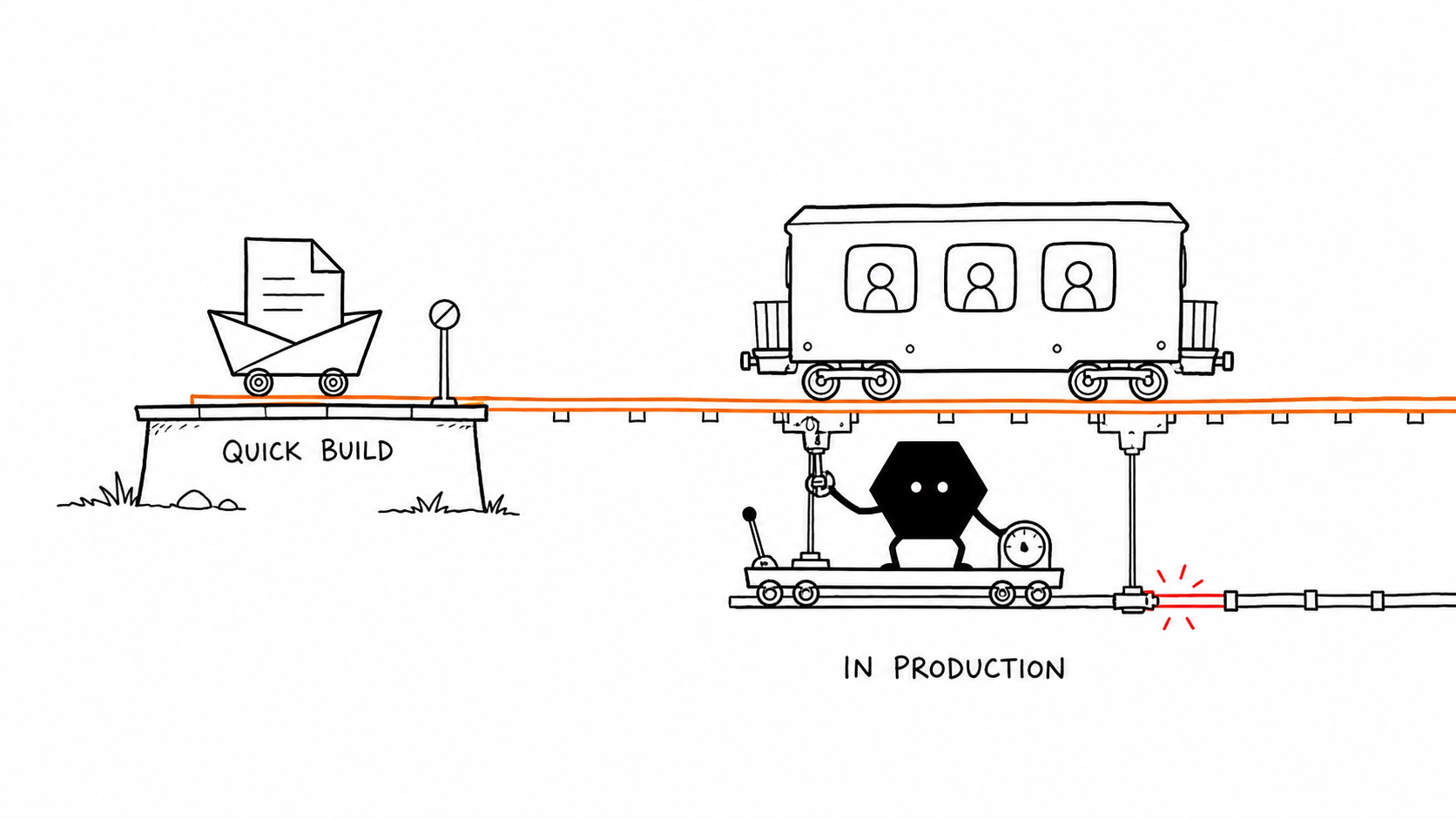
An autonomous app builder vs. an app carried as an ongoing job
Autonomous app builder
Emergent
Emergent can turn a clear brief into a polished app quickly. E1 handles production builds, E2 tackles detailed work, and the Pro-only E3 beta carries an approved multi-phase plan through automated tests and fixes. Some public reviewers report regressions and credit-heavy repair loops as projects grow.1152165
Ongoing app operation
Solid
Solid fits projects that keep changing. Its operating layer keeps approved context with the assignment while coordinating agents and tools from build through live operation.1718
Emergent can carry an autonomous build. Solid keeps responsibility for the app after it becomes a live product.
Why Solid can be better as the project grows
Emergent is strong when a build fits direct E1 or E2 work or an approved E3 plan. Solid stays responsible as the app changes after launch.
Keep the project context together
Solid carries approved requirements, history, and rules forward while coordinating the agents doing the work.
Get out of the fix loop
Solid carries diagnosis and recovery through production. A real person can join if the AI still cannot finish.
Reach beyond the app builder
With your approval, Solid connects through an API or browser, so missing connectors do not stop the work.
Carry the job past deployment
Solid can monitor the live app and carry repairs through a verified recovery without starting another build project.
Solid vs Emergent feature comparison
See who carries context, integration work, testing, recovery, credits, and live operation around Emergent's build automation.
| Capabilities |  | Emergent |
|---|---|---|
| Best fit | Choose Solid when you want the build, launch, and live operation handled for you.1718 | Choose Emergent for direct E1 or E2 work, or a Pro E3 beta build that runs across multiple phases.1215 |
| Long projects and context | Solid uses approved project context across the job while coordinating agents, models, and tools.17 | At Emergent's 200k primary limit, you continue in a fork; Pro lists a 1M context window.3413 |
| Testing and release | Solid tests critical paths, fixes failures, and carries the approved release through a final check.1718 | You review the app and choose deployment after Emergent's automated tests and optional health check.216 |
| Integrations | With your approval, Solid connects through an API or browser, so missing connectors do not stop the work.17 | You provide requirements and credentials; Emergent's Integration Agent can build and test a custom path.7 |
| When automation stalls | When Solid's AI stalls, a real person can join the project and help carry it forward.1718 | When Emergent's automated repair loops end without a fix, you inspect the issue or contact support.28910 |
| Development changes and rollback | Solid checks what a change affects, tests it, and restores working behavior when needed.18 | You choose the rollback point, then retest and rebuild work discarded by the rollback.12 |
| Monitoring and repair | Solid can monitor the app, repair problems, and verify that it is working again.1718 | You monitor logs and request app fixes; Emergent retries failed deploys and can roll back a release.8910 |
| Plans, credits, and visibility | Set budgets and approvals, then inspect available activity, resources, costs, and log details.17 | You budget credits for each build step; the Pro-only E3 beta uses about 30% more tokens than E1.132 |
| Source and handoff | You keep the source, and Solid can deploy it elsewhere or hand it to a developer.18 | You need a paid plan for GitHub sync and own secrets, data, hosting, and backups after handoff.131114 |

Bring Solid your Emergent source and the access needed to continue it. Solid can review the project and carry the next build.
Continue from Emergent with SolidWhat the job looks like after the build
Solid keeps approved context, live operation, and recovery together after deployment.
Carry the app to real users
Explain the users and workflow. Solid builds the technical structure, tests the important paths, and launches the app for real use.
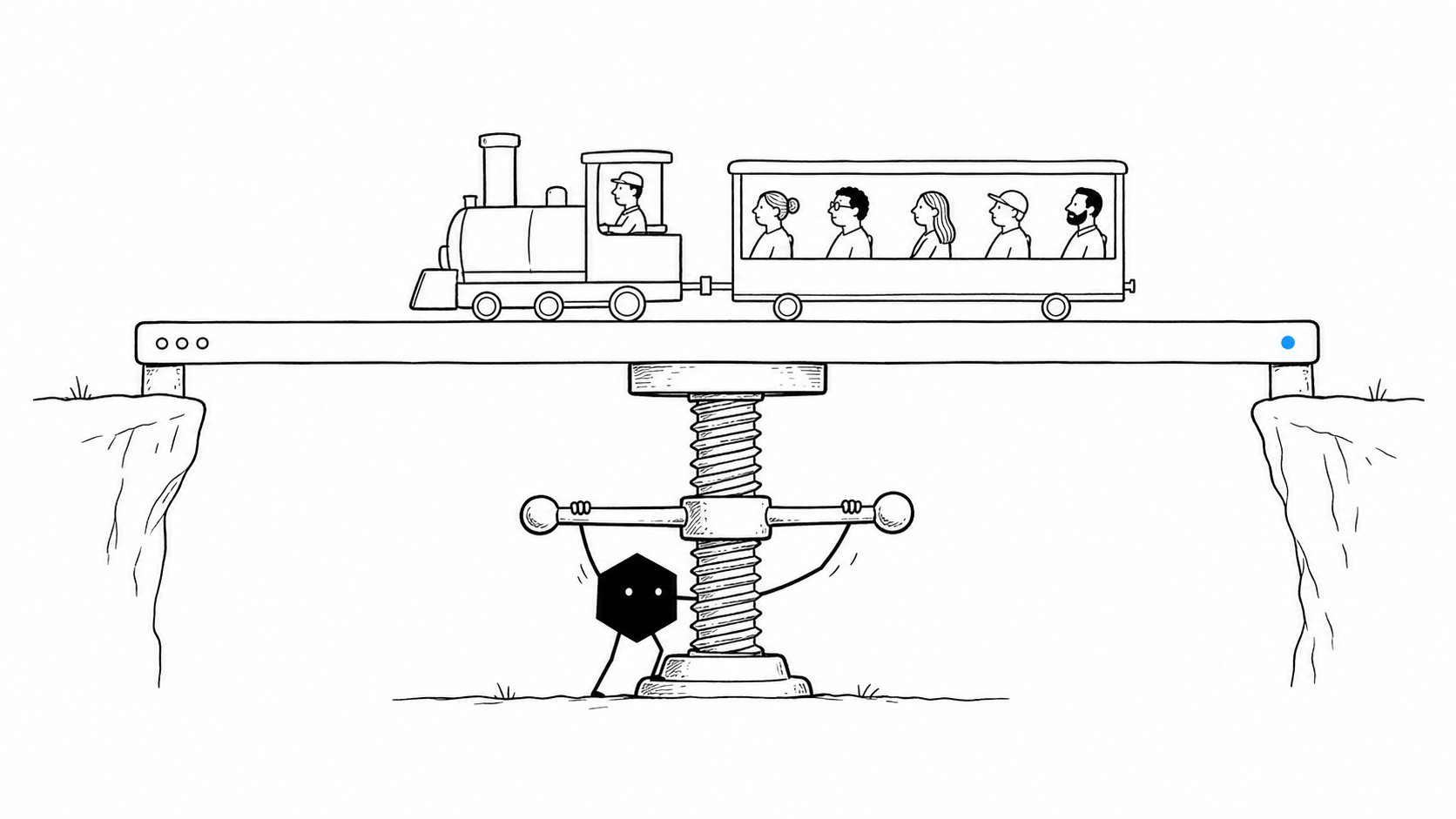
Change it without losing working paths
Solid checks what a change touches, tests the result, and can restore working behavior when something goes wrong.
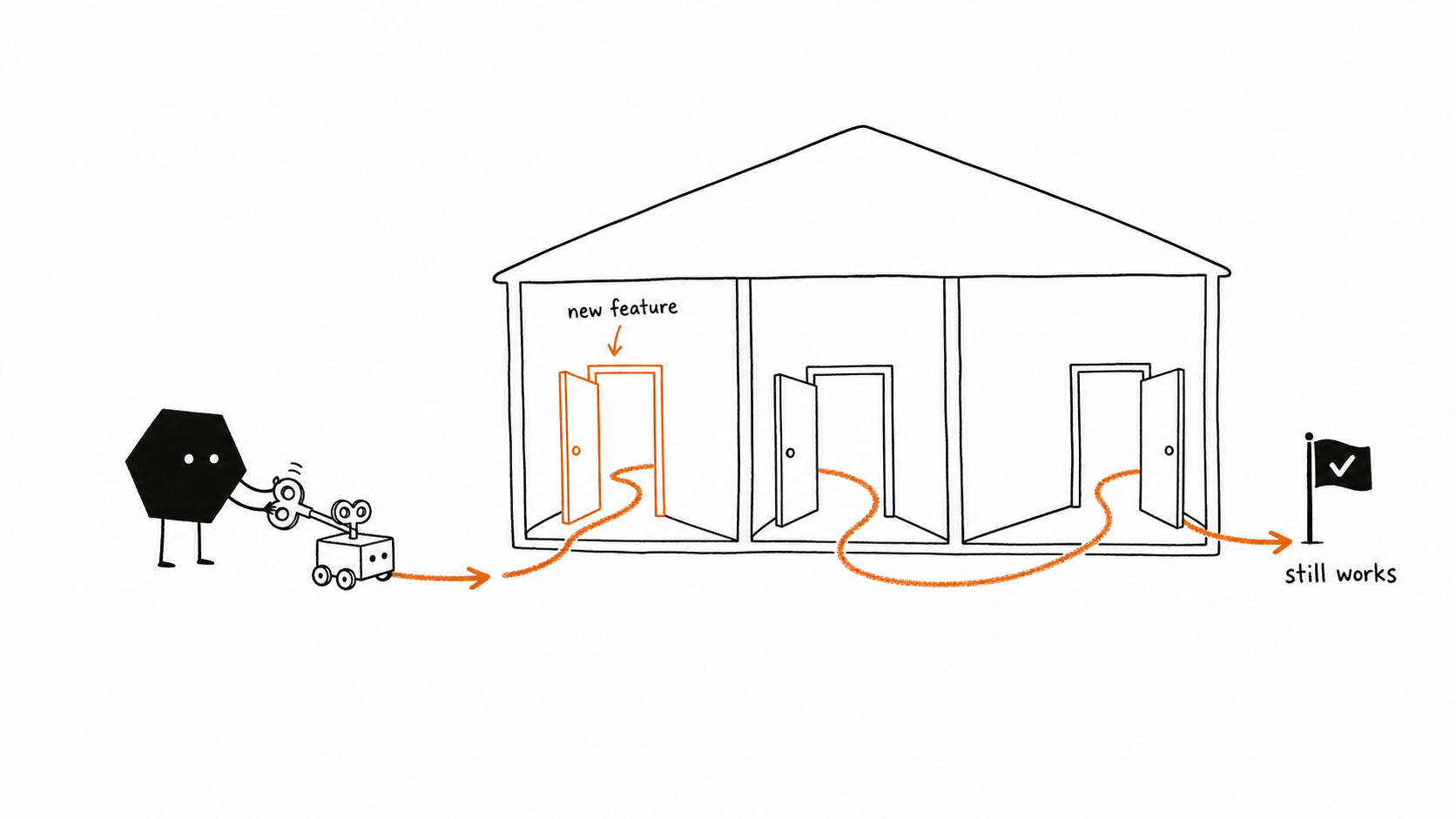
Keep monitoring and repair on the job
Solid can catch live problems, repair them, and verify recovery without turning every incident into a new build project.
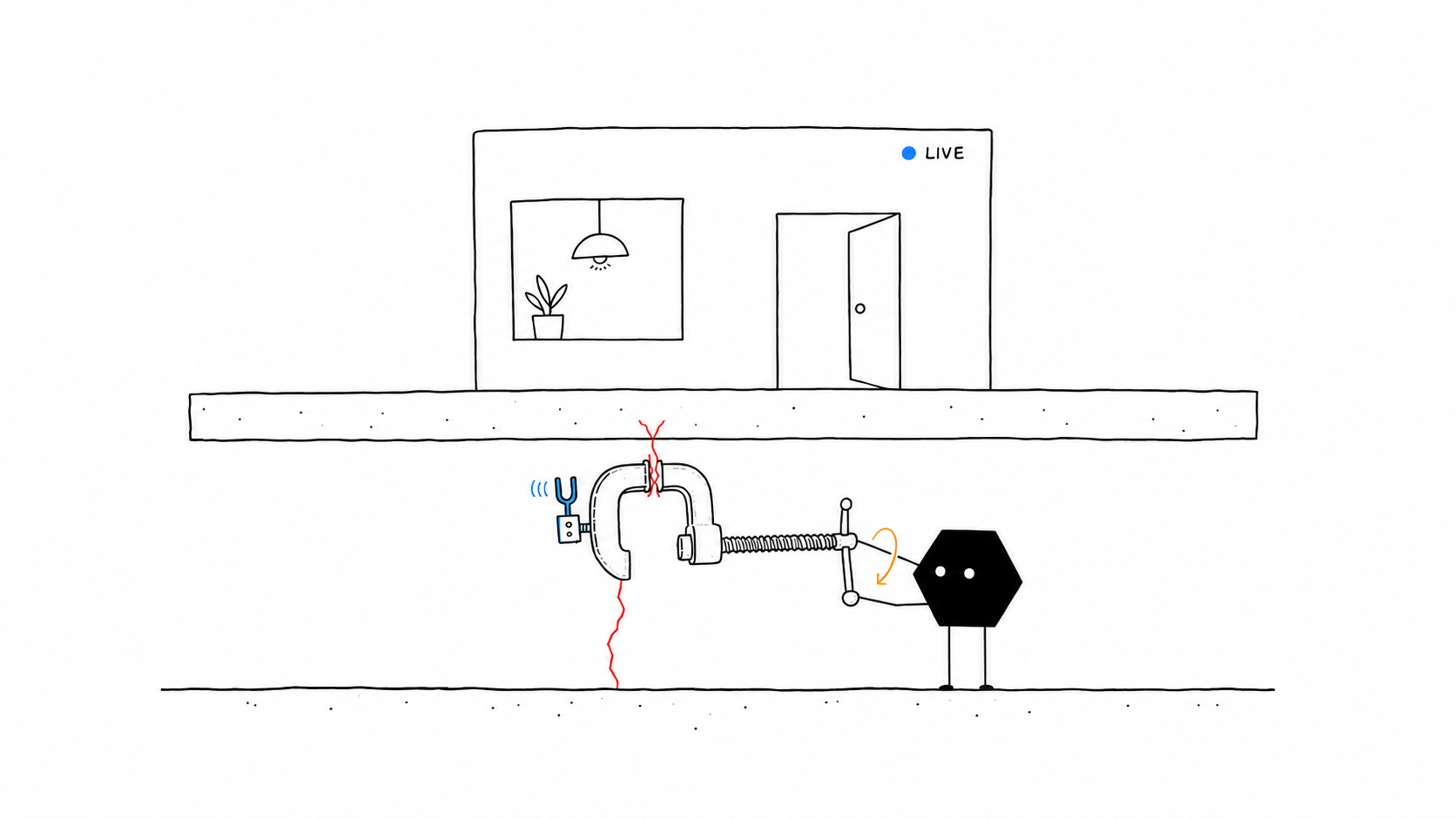
Keep the source and the exit
Export the source, deploy it elsewhere, or hand it to a developer without rebuilding the app from scratch.
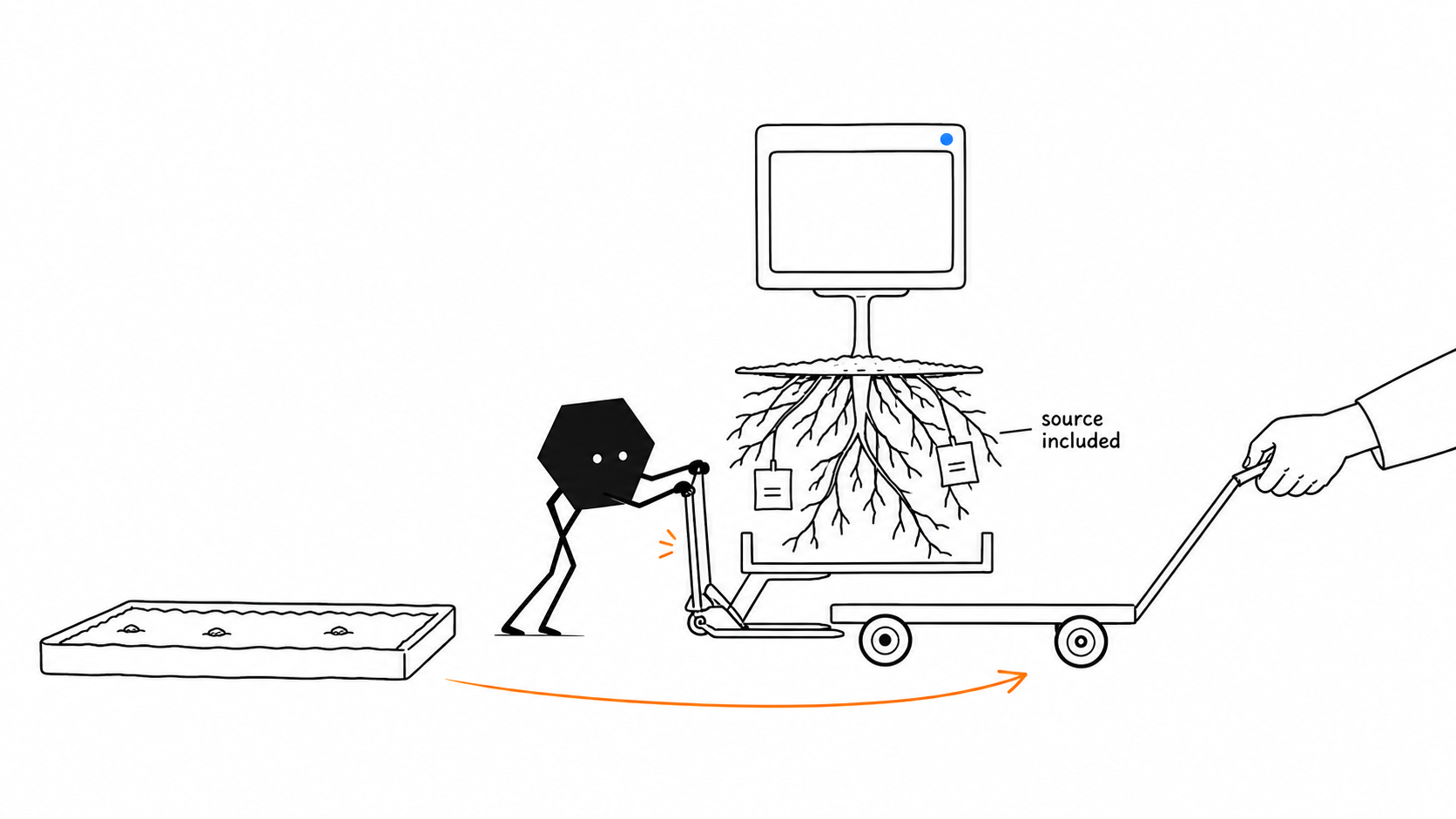
Use Emergent for an autonomous build. Use Solid for the ongoing job.
Emergent offers direct E1 and E2 work plus Pro-only E3 beta orchestration. Solid fits when the live app should stay on the same assignment.
Use Emergent when
You want an autonomous self-serve build
Choose Emergent when you want a self-serve app-building workspace, with E3 available to run an approved multi-phase plan.1215165
- The whole project can reach a polished result in a few prompt-and-review rounds.
- On Pro, E3 beta can carry an approved multi-phase plan for hours with automated testing and fixes.
- You are comfortable watching credits and taking over when an automated repair loop does not resolve a regression.
Use Solid when
You want the product carried after delivery
Choose Solid when the app will keep changing and you want its approved context and operation handled together.1718
- The app must keep working across approved services and interfaces after launch.
- You want Solid to monitor the app, repair problems, and verify recovery.
- You want human help when AI stalls, with control of the source and available runtime details.
Bring Solid your Emergent source and the access needed to continue it. Solid can review the project and carry the next build.
Continue from Emergent with SolidQuestions about Solid
What is Solid?
Solid is an operating system for always-on agents. For app building, it can plan and create the software, use approved resources, launch it, monitor and repair it, and run the work around it.
Do I need coding experience to build an app with Solid?
No. Explain the users, business rules, desired result, and examples in plain language. Solid handles the technical work and asks for the context, access, or approval it needs.
Can Solid take an existing app into production?
Yes, when the app and environment provide the required access and deployment path. Give Solid the source and any business-specific requirements. Solid can review the code, build missing parts, test the app, deploy it, and verify the result.
Can Solid finish sign-in, payments, and integrations?
Yes, with approved access. Solid can connect through an API or use a browser like a person, so a missing connector does not end the work. Customer permissions and system policies still apply.
What happens when Solid's AI gets stuck?
You can talk to a real person at any point when Solid's AI gets stuck. This does not imply an immediate-response service level.
Can Solid keep the app working after launch?
Solid can monitor, repair, and verify recovery for apps it builds. Always-on means configured persistence, not an uptime guarantee.
Do we keep the source code?
Yes. You keep full control of the source for apps Solid builds. Export it, deploy it elsewhere, or hand it to a developer without a rewrite.
How do we control what Solid can access and spend?
Set access, policies, budgets, spending, and approvals across the workspace. You can follow available activity, inspect available resource and cost details, and route configured sensitive actions to a person.